Campus
A persistent project workspace for teams and AI agents
About Campus
Best for: software developers, engineering teams, AI agent users, remote technical teams
Key features
- Allows arranging terminals, web apps, notes, and docs as persistent tiles on a canvas
- Supports real-time collaboration with teammates on the same workspace
- Enables AI agents like Claude and Codex to interact as peers on the canvas
- Offers a local-first approach with user state stored in plain files
- Provides a Dart SDK for custom tile and command development
Use cases
- Collaborating on coding projects with live terminals and shared context
- Integrating and controlling AI agents for development tasks
- Organizing project resources, notes, and tools spatially for easy access
Pros
- Supports persistent sessions with live scrollback in terminals
- Highly customizable with SDK access for advanced users
Limitations
- Currently only available for macOS
Screenshots

Reviews
Sign in to share your experience with this tool.
Sign inNo reviews yet. Be the first to review this tool.
Campus alternatives
More Code tools → Deep CodeCode
A VS Code extension with persistent sessions, file operations, tool calls, and skill expansion - keeping you in flow without switching windows.
 DM ChampCode
White-label AI sales agent for agencies
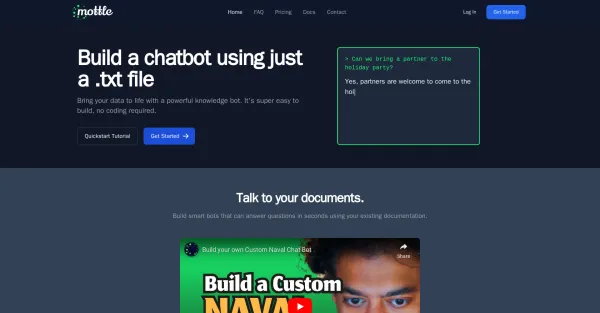 MottleCode
Mottle builds chatbots using openai API from existing documentation.
 MarkstreamCode
Open-source streaming Markdown renderers for polished AI chat interfaces.
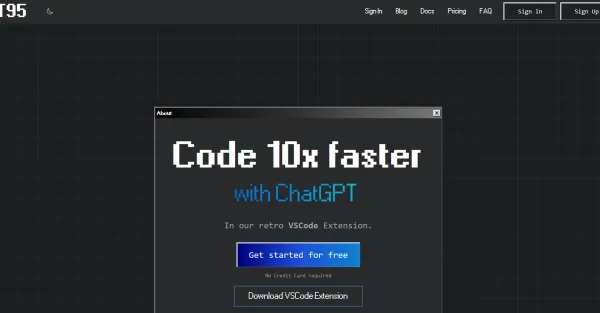 GPT95Code
GPT95, a Visual Studio Code extension, integrates ChatGPT for generating code, natural language responses, documentation, refactoring, debugging, and bug-finding.
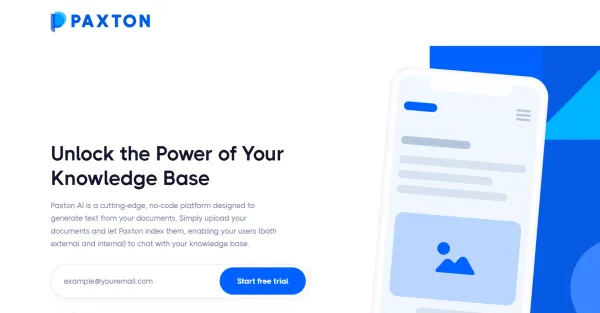 Paxton AICode
Paxton AI is a platform that allows users to create AI-powered chatbots without writing code. It improves user interaction and service delivery by extracting information from documents.
Related tools
 AiSentrBusiness
Deploy a teachable AI Chatbot for your business in minutes
 CloudrunOther
Deploy any AI agent in 60 seconds.
 Paperchat - AI customer supportProductivity
AI customer support chatbots and live chat agents with human handover and CRM integrations
 Ponder AIProductivity
Ponder is an integrated workspace that transforms how you think and work. Instead of using a linear chat or scattered notes, it gives you an infinite canvas where ideas naturally branch and connect. You can start by chatting, uploading documents, or adding web content - Ponder automatically builds a c
 HireKeyOther
HireKey is a recruiter-informed job-search platform that helps candidates decide whether a role is worth pursuing before they apply. It shows what their experience supports, where the gaps are, and he
 AI ResumeGuruProductivity
Free AI resume builder with ChatGPT-style conversation, ATS scoring, job tailoring, portfolio websites, 14 templates, and 11 AI tools. No signup needed.
 OwnichatOther
Turn every conversation into revenue
 PatrivoxProductivity
AI-powered platform that digitizes, indexes and makes any document archive searchable in minutes. Built in Europe, GDPR-native.