yatter
Let’s explore some prompt suggestions to enhance your Yatter AI experience, making it smoother and more productive. These prompts are designed to help you get better, more accurate responses. Scroll down to discover helpful ideas and prompts that will expand your knowledge.
About yatter
Best for: WhatsApp users, Telegram users, professionals seeking productivity tools, content creators, multilingual audiences
Key features
- Supports text, voice, and image input for chat interactions
- Provides real-time web search results within chat
- Offers AI-powered image generation from text prompts
- Includes PDF summarization and text extraction features
- Delivers real-time weather updates via chat
- Partial streaming shows responses as they are generated
- Multilingual support for global users
- Smart reminders can be set directly in chat
Use cases
- Chatting with an AI assistant on WhatsApp or Telegram for productivity tasks
- Generating images from text descriptions for creative projects
- Extracting and summarizing information from PDF documents
- Receiving real-time answers and web search results without leaving chat
- Setting reminders for tasks or events via chat
Pros
- No separate app installation required for WhatsApp users
- Supports multiple input types: text, voice, and images
- Multilingual support for diverse users
Limitations
- Full access requires a paid subscription after free trial
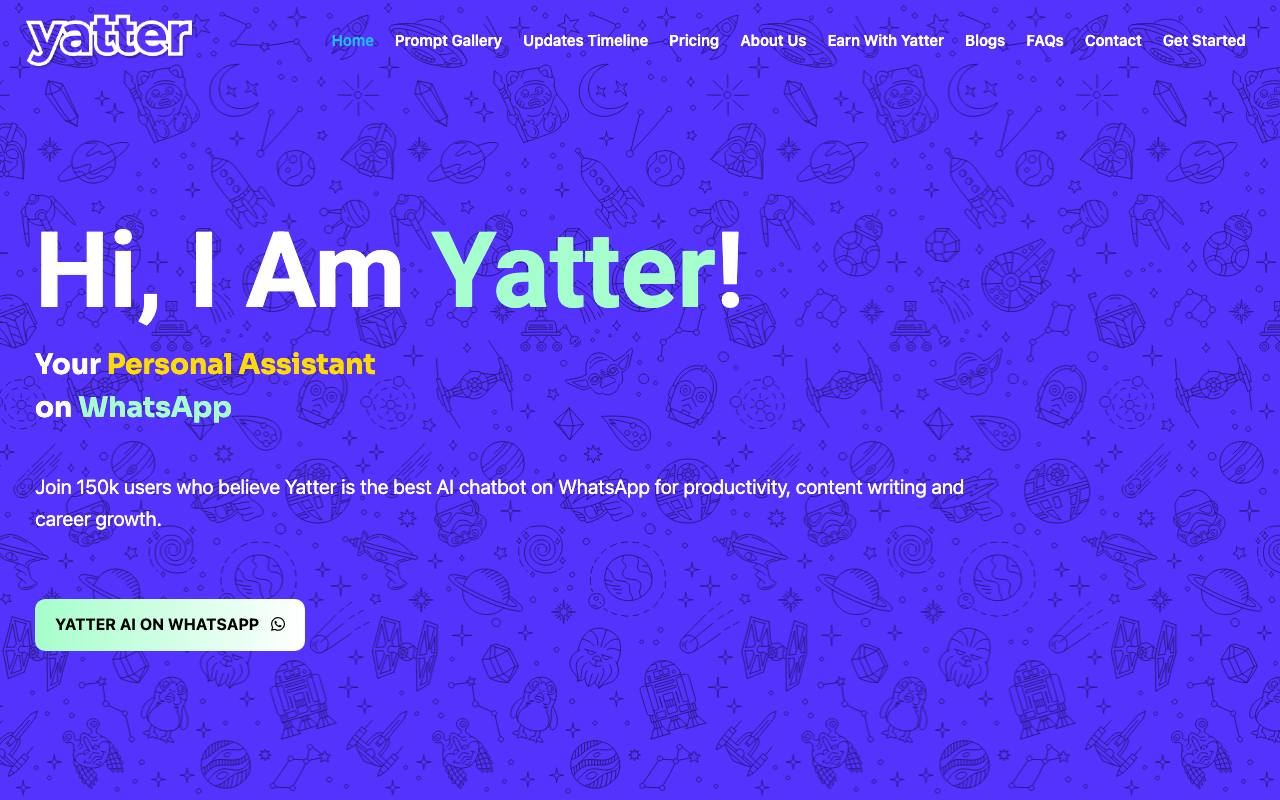
Screenshots
Reviews
Sign in to share your experience with this tool.
Sign inNo reviews yet. Be the first to review this tool.
yatter alternatives
More Assistant tools → Shmooz AIAssistant
Shmooz AI, a business chatbot for customer service on WhatsApp, enhances customer interactions and satisfaction.
 FimoAssistant
Fimo is an AI website builder that turns your prompt into a polished, multi-page site with CMS, hosting, and analytics built in.
 ResolveRentAssistant
Structured dispute resolution for landlords and tenants - with guided negotiation, documented communication, and state-aware workflows designed to help both sides reach fair agreements faster.
 QuitloAssistant
Quitlo’s AI has voice conversations with SaaS customers when they cancel, fail payments, or score low on NPS, delivering structured insights to Slack.
 Chatfuel AIAssistant
The Chatfuel AI is an effective solution for creating chatbots that enhance sales, enhance customer support, and streamline communication processes.
 AgensiAssistant
The trust and distribution layer for AI agents. A curated marketplace for security-scanned SKILL.md skills that work across Claude Code, Codex CLI, Cursor, Gemini CLI, and 20+ agents.
Related tools
 CamsAI ChatbotProductivity
Automate support and boost efficiency with an AI chatbot that provides instant answers, no coding or data collection required.
 BagoodexOther
AI Search Engine & Content Generator
 ARTE - Artificial Real Estate Tax ExpertProductivity
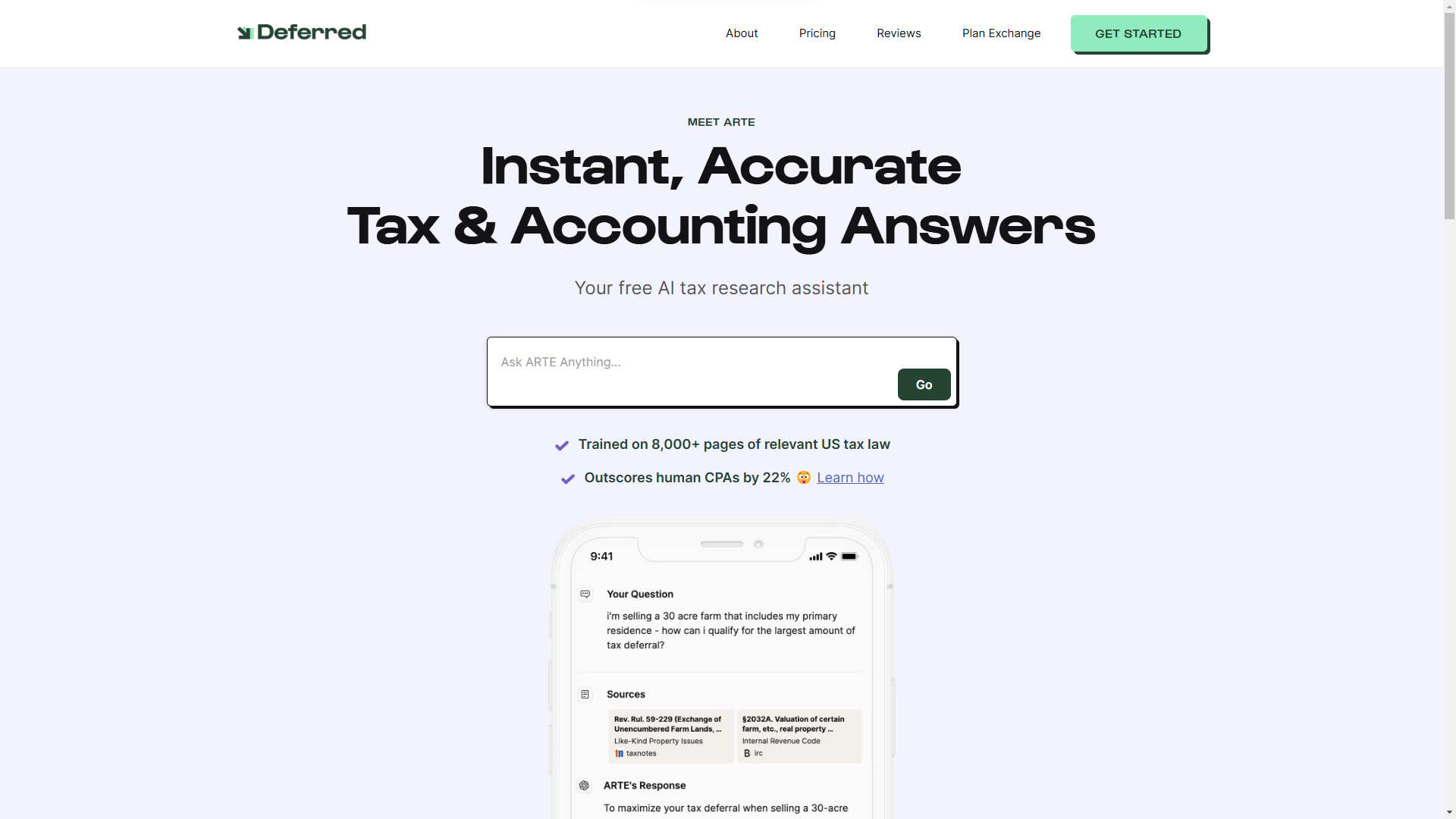
Deferred.com built ARTE to provide fully researched answers to your most complex tax questions.
 Get Simple ChatOther
AI chatbot for your website in 5 minutes - no code
 MetricgramOther
Metricgram manage your Telegram community by combining analytics, automated messaging, synchronization with Stripe and AI, all from one web dashboard.
 ClarityBusiness
AI-powered platform that automates customer support and turns every conversation into actionable insights for enterprise teams.
 QuidgetProductivity
Quidget is an AI chat builder that scans your data and knowledge base to deliver instant, accurate answers to customer questions. Train and deploy it on your site in minutes.
 Obi HelperOther
Simple AI chat widget for small businesses that aren’t ready for Intercom-like solutions.