
OmniCanvas
Spatial canvas for notes & files. Synced & secure.
About OmniCanvas
Best for: visual thinkers, remote teams, project managers, students, knowledge workers
Key features
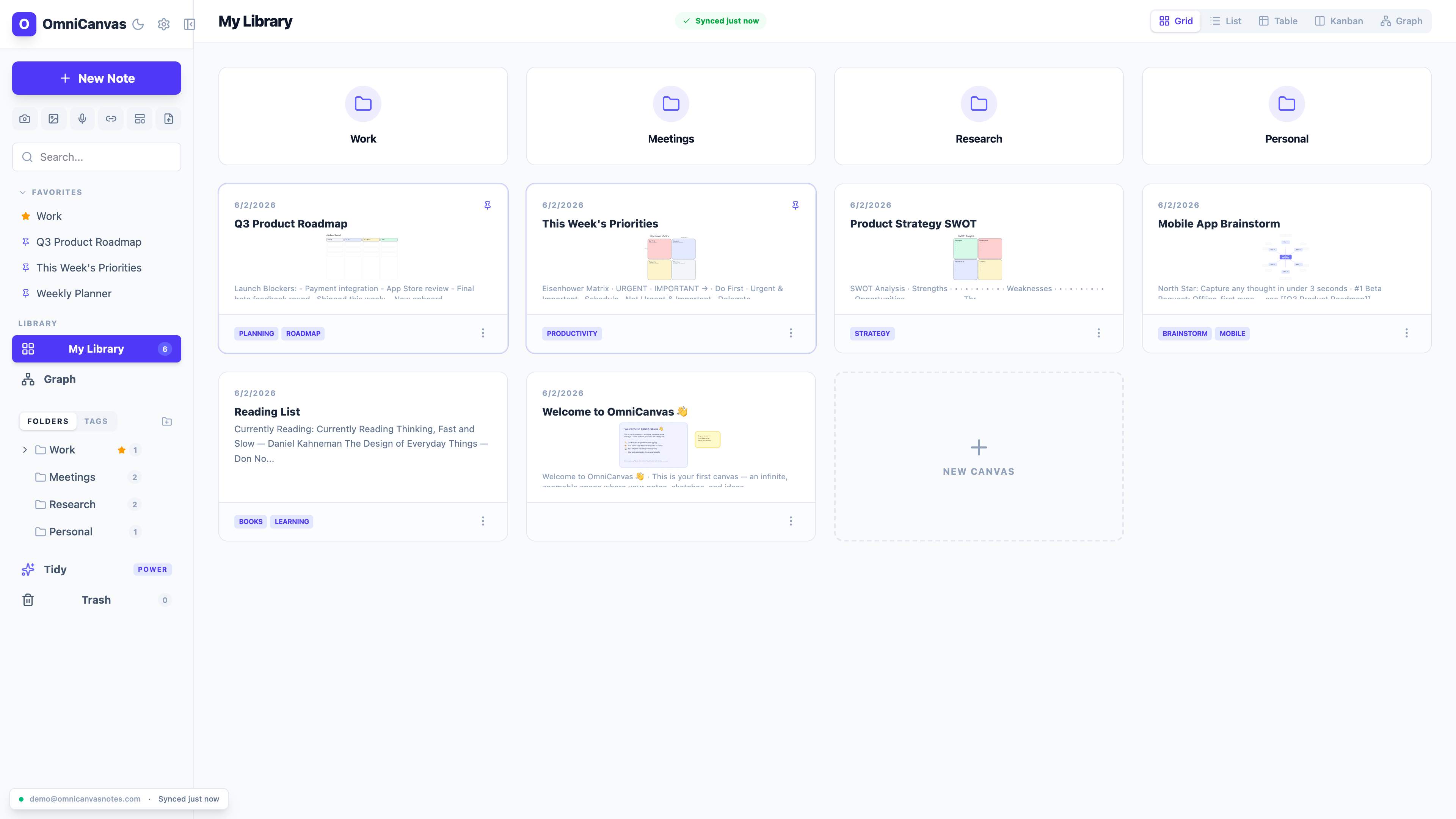
- Provides an infinite canvas for notes, sketches, images, and web clips.
- Supports meeting recording and transcription directly from device audio.
- Offers real-time collaboration and multiple workspace views including graph and Kanban.
- Includes full-text and semantic search across all notes and canvases.
- Allows optional end-to-end encryption for privacy.
- Integrates AI tools for note expansion, semantic linking, and custom prompts (Pro).
- Provides templates for meetings, planning, and research.
- Supports offline-first storage with sync and version history.
Use cases
- Organizing project notes, diagrams, and meeting outcomes visually.
- Research and brainstorming with spatial arrangement of ideas.
- Clipping and annotating web pages or YouTube videos for reference.
- Collaborative planning and task management using Kanban and graph views.
- Reviewing and archiving notes with a built-in workflow.
Pros
- Free plan includes unlimited notes, canvases, and core features.
- No sign-up required to try the interactive demo or browser tools.
- Meeting audio is recorded locally, not through a bot.
- Optional end-to-end encryption for enhanced privacy.
Limitations
- Meeting transcription on the free plan is limited to 30 minutes per month.
Overview
Screenshots
Reviews
Sign in to share your experience with this tool.
Sign inNo reviews yet. Be the first to review this tool.
OmniCanvas alternatives
More Productivity tools → HyNote AIProductivity
AI-powered note-taking solution that captures, transcribes, and summarizes meetings, documents, and multimedia content in real-time
 NotisProductivity
Notis converts voice notes into text that’s easy to read and organizes them in your Notion workspace. Create meeting notes, memos, emails, articles, and more. It’s made for busy people who want to get work done even when not sitting at their desks.
 MindNoteProductivity
AI Notetaker. Write x10 times faster with AI. You can input information in any format: written, voice, meeting, video to text or image to text.
 MP3ToTextProductivity
Online MP3 to text - upload audio and export in multiple formats.
 SpeakNotes.xyzProductivity
Transform 1 podcast/ video into 100+ content assets in 90% less time. AI-powered transcription (99.99% accuracy) + Magic GPT for blogs, social media, newsletters & more.
 JottedProductivity
Jotted records your Zoom, Meet and Teams calls from your desktop with no bot in the participant list, and keeps the full video, transcript and action items.
Related tools
 StarwhisperAudio
Free voice-to-text software for Windows. Dictate anywhere with AI-powered transcription. Works offline with local Whisper AI or connects to OpenAI for 99% accuracy.
 TryFounderModeBusiness
Use your Linkedin to generate B2B leads. founder/mode automates your entire Linkedin for you, so your personal brand becomes a powerful lead-generation channel for your B2B business.
 Video To TranscriptOther
Video To Transcript: Turn videos and audio into searchable transcripts, translated subtitles, summaries, mind maps, and AI-powered insights.
 InterMountain AI Consultants LLCProductivity
iMeett turns your meetings into smart, organized summaries using AI and saves them directly back to your Google Drive folder - your data never leaves your ecosystem.
 AutoNoteCode
Never lose an important detail again Record anything. Get organized notes, action items, or summaries - without the manual work.
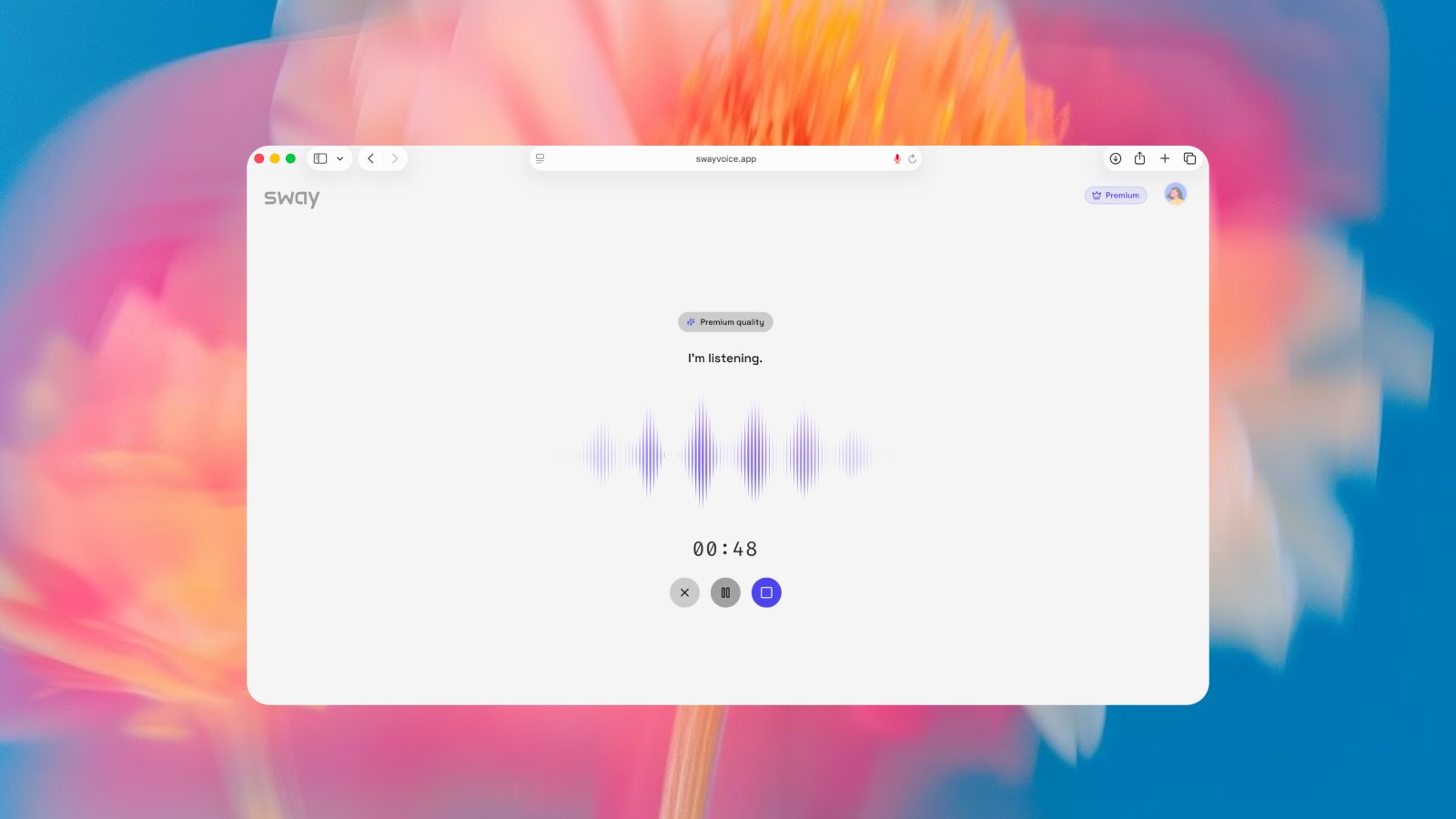 SwayProductivity
Sway turns messy spoken thoughts into structured, actionable output.
 VowenProductivity
Vowen is a private, offline, voice-first productivity app for dictation, AI workflows, meeting notes, and voice control on macOS and Windows.
 Connect MachineProductivity
AI agent for cards, contacts and networking