
Video To Transcript
Video To Transcript: Turn videos and audio into searchable transcripts, translated subtitles, summaries, mind maps, and AI-powered insights.
About Video To Transcript
Best for: students and researchers, content creators and YouTubers, journalists and media professionals, teachers and trainers, business teams and marketers, podcasters and streamers
Key features
- Converts video and audio files or links into timestamped transcripts using AI.
- Supports transcription in over 200 languages.
- Identifies and labels different speakers in transcripts.
- Allows editing of transcripts before exporting.
- Exports transcripts and subtitles in multiple formats including TXT, SRT, VTT, and DOCX.
- Generates AI-powered summaries, notes, and mind maps from transcripts.
- Translates transcript segments into other languages.
- No sign-up required to use the tool.
Use cases
- Transcribing YouTube videos to text for easier review and quoting.
- Documenting meetings and interviews with searchable transcripts.
- Turning lectures and online courses into study notes.
- Creating subtitles and captions for podcasts and webinars.
- Preparing legal and compliance transcripts from recordings.
- Archiving conference and event recordings as searchable text.
Pros
- Free to use with no account required.
- Accessible on any device via web browser.
- Supports a wide range of video and audio formats.
- Allows export of transcripts in multiple formats.
- Offers speaker recognition for multi-person recordings.
Screenshots
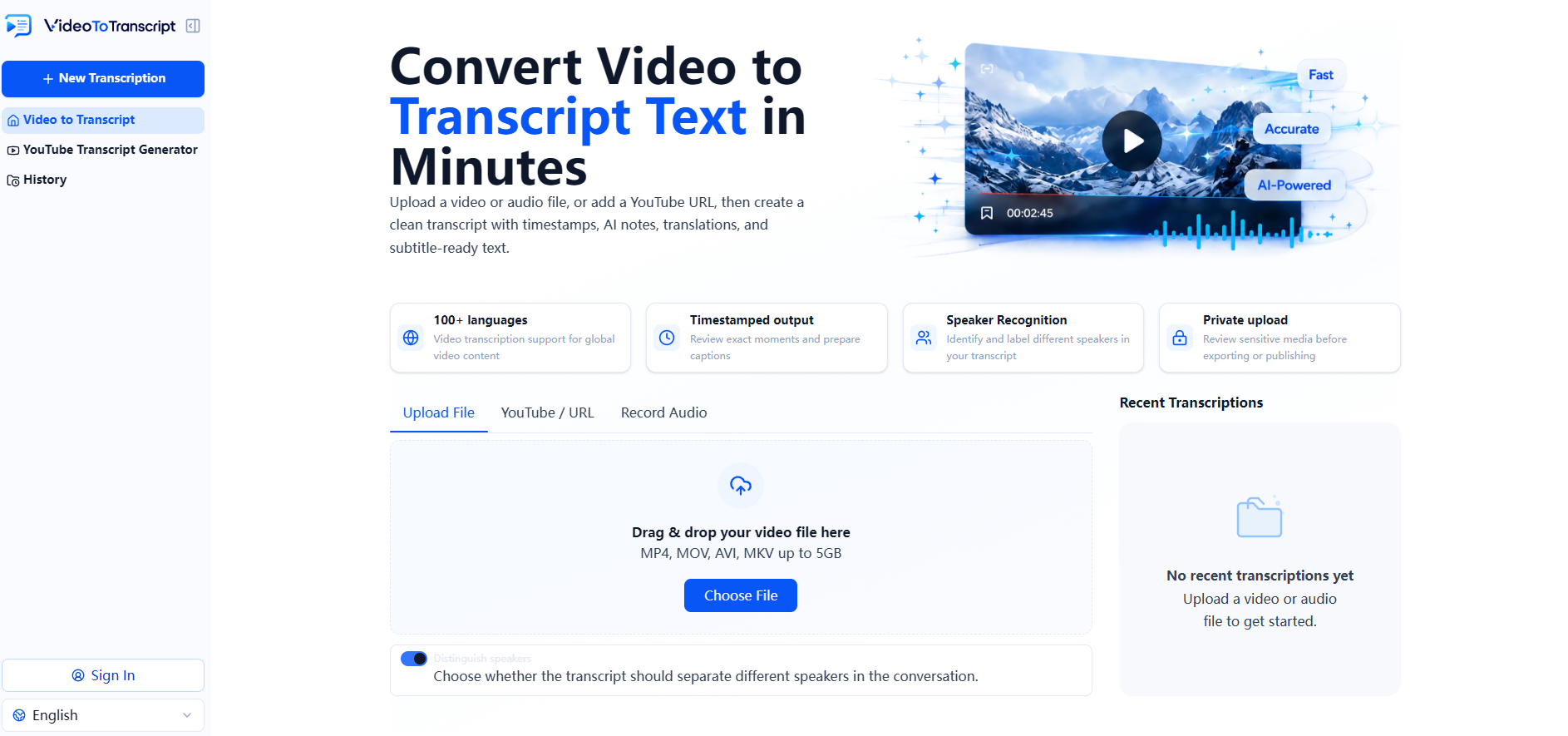
Reviews
Sign in to share your experience with this tool.
Sign inNo reviews yet. Be the first to review this tool.
Video To Transcript alternatives
More Other tools → YtbTranscript.comOther
Free YouTube Transcript Generator, Extractor & AI Summary
 TranscriptrOther
Transform YouTube videos into summaries, blog, notes, flashcards, with 30+ AI tools.
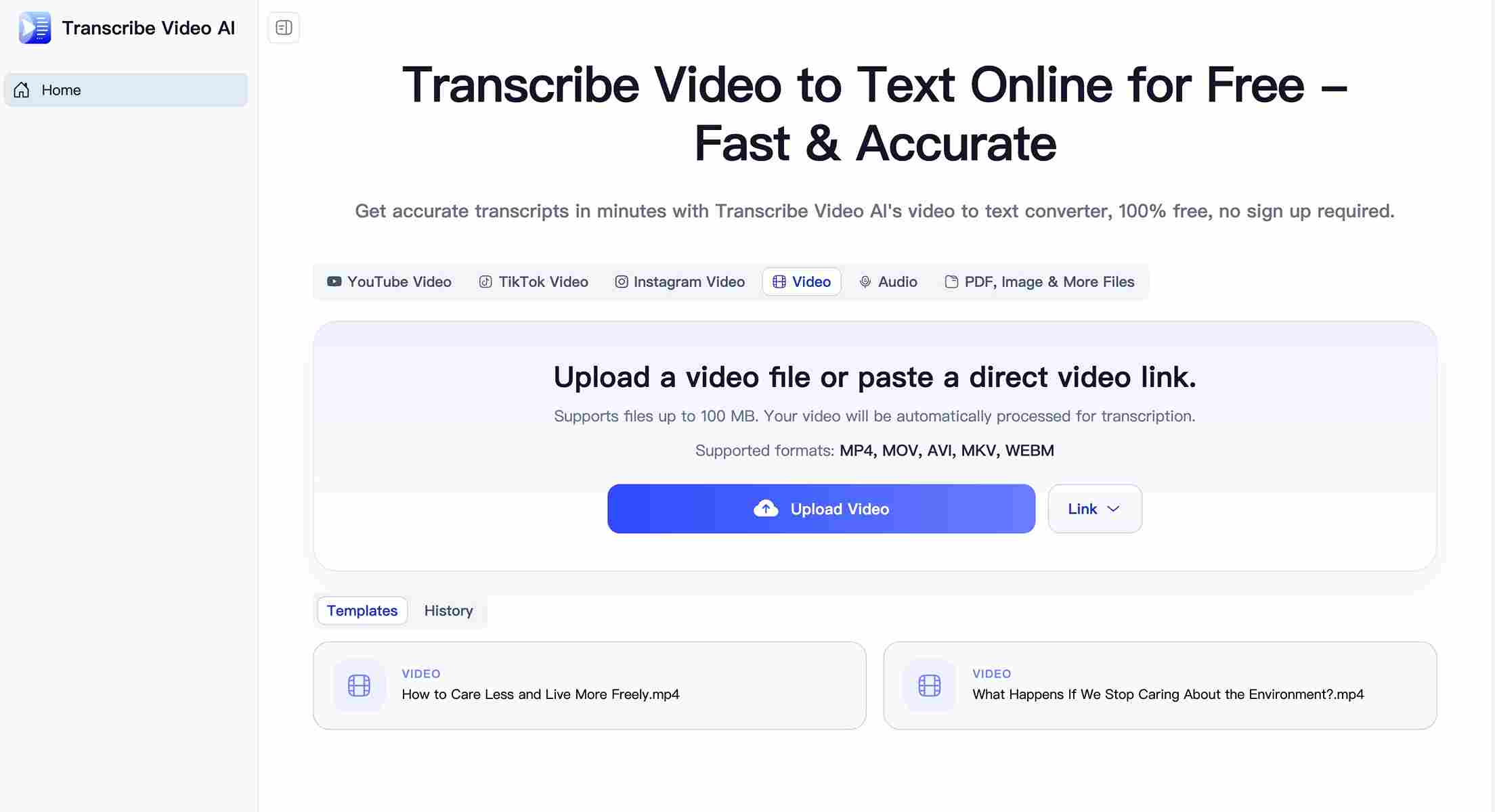 Transcribe Video AIOther
Transcribe Video AI is a 100% free, no-login-required AI tool that converts videos into transcripts, summaries, and mind maps to help users quickly understand and reuse video content.
 KnowzillaOther
AI calls & sales intelligence platform
 AITuberOther
Create viral AI videos in minutes for YouTube Shorts, TikTok, and Reels. Text-to-video with 1,300+ AI voices, AI visuals, captions, and direct publishing. All in one place.
 Diktat AIOther
Fast, Accurate, Secure Transcriptions
Related tools
 MP3ToTextProductivity
Online MP3 to text - upload audio and export in multiple formats.
 Transcript Generator AIAudio
AI transcription & captions for audio/video with time-stamps, speaker labels, SRT/VTT, summaries, and translation - edit in browser, export anywhere, collaborate securely.
 MindNoteProductivity
AI Notetaker. Write x10 times faster with AI. You can input information in any format: written, voice, meeting, video to text or image to text.
 Caption.IMProductivity
Caption.im is a self-sovereign macOS app that turns any audio into real-time captions, translation, recordings, meeting summaries, and mind maps.
 ScribeTo -- AI Video to Text Transcription ToolVideo
AI Video to Text Transcription Tool
 HyNote AIProductivity
AI-powered note-taking solution that captures, transcribes, and summarizes meetings, documents, and multimedia content in real-time
 Video Transcription AIProductivity
AI-powered video transcription tool that converts videos into accurate text, summaries, subtitles, and searchable content in seconds.
 BibiGPTVideo
BibiGPT is an AI-powered video assistant that summarizes and visualizes content from YouTube, Bilibili, podcasts, and local files, helping users learn faster and understand better.