
Contextli
Context-aware speech-to-text for professionals
About Contextli
Best for: professionals who write frequently, lawyers and compliance-focused users, doctors and healthcare workers, content creators, support and client service teams
Key features
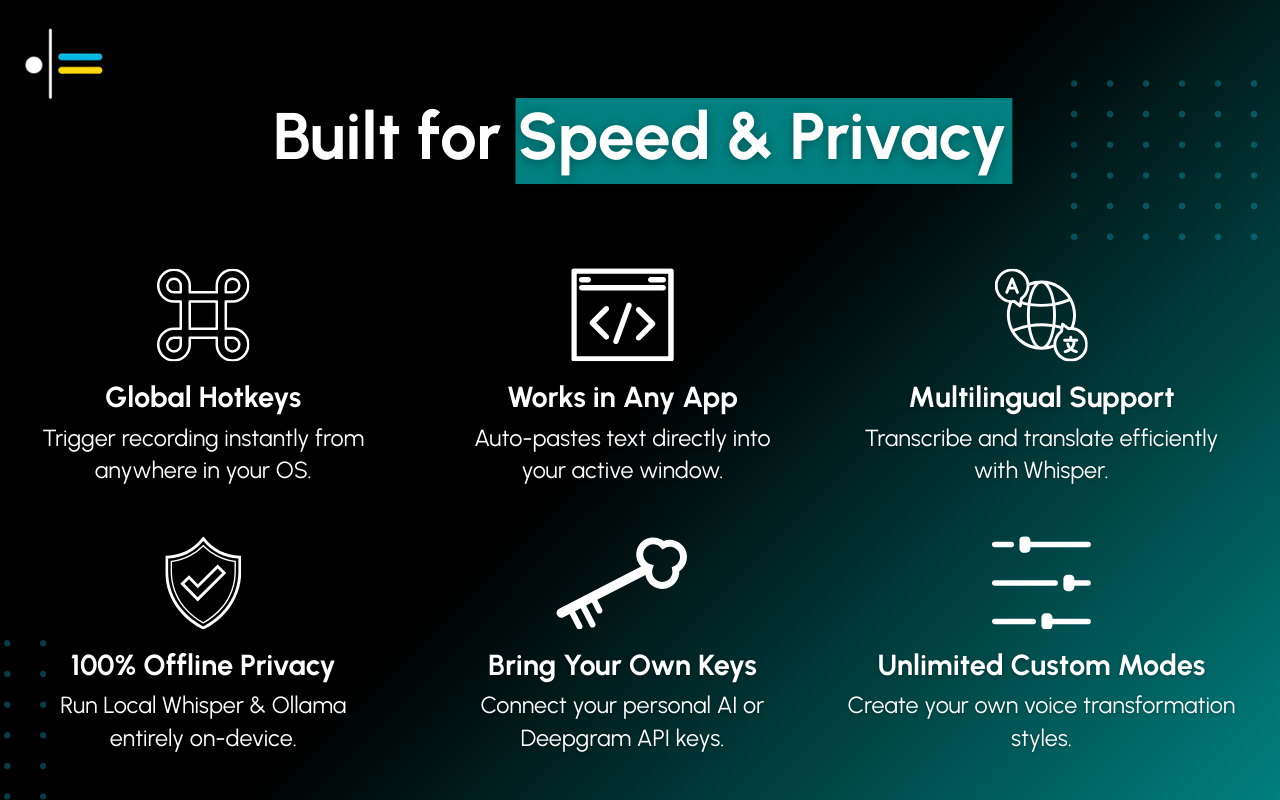
- Dictation can be triggered from any app using a global hotkey
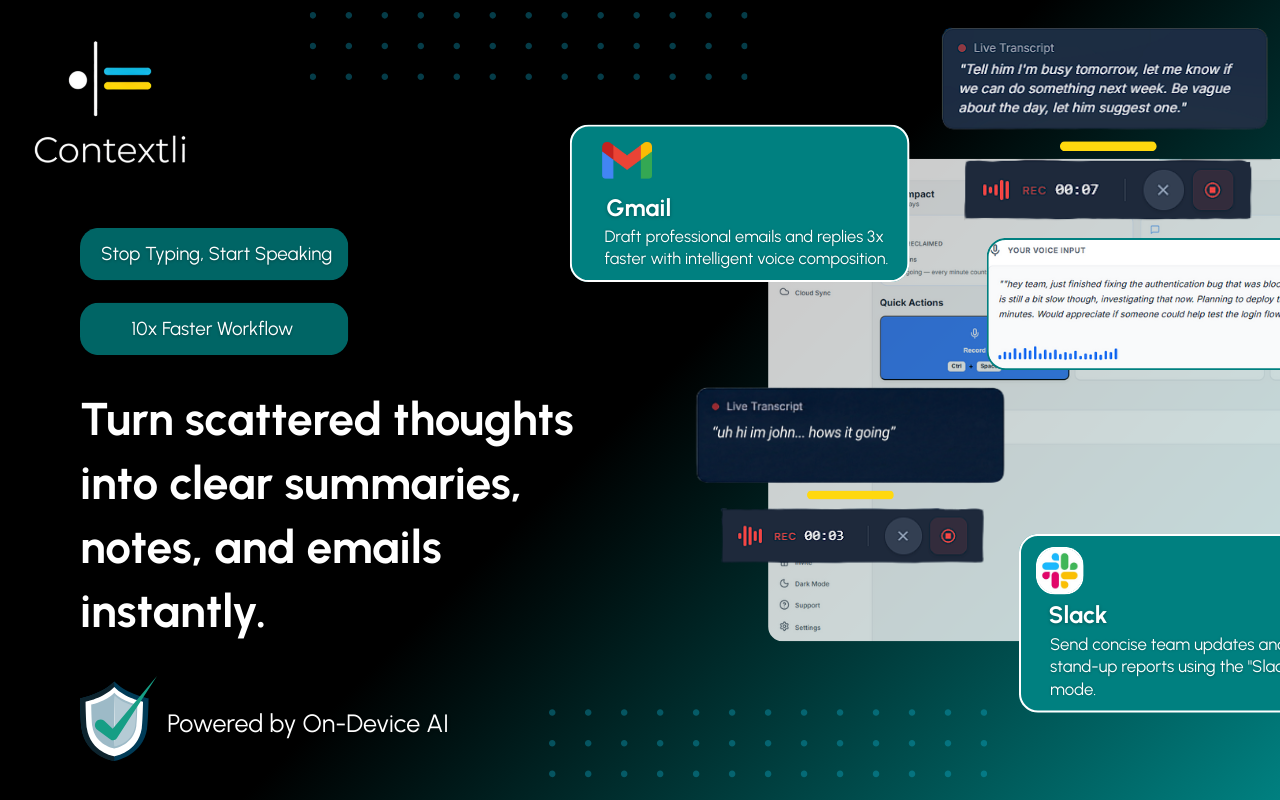
- Automatically formats dictated text for different destinations using customizable Contexts
- Supports unlimited custom Contexts with user-defined instructions and tone
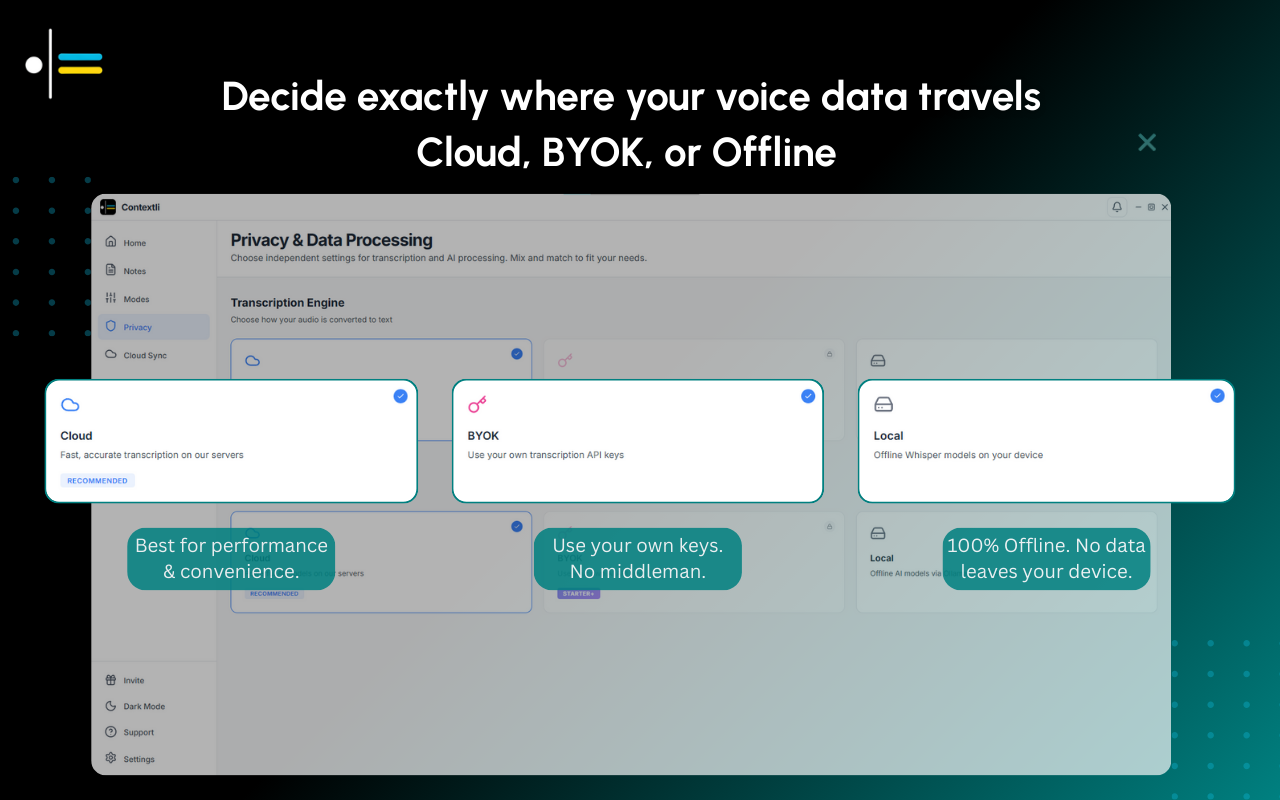
- Offers multiple privacy modes, including fully offline processing
- Works across desktop and mobile platforms
- Auto-pastes formatted output directly at the cursor in any app
- Allows use of personal API keys for direct AI provider access
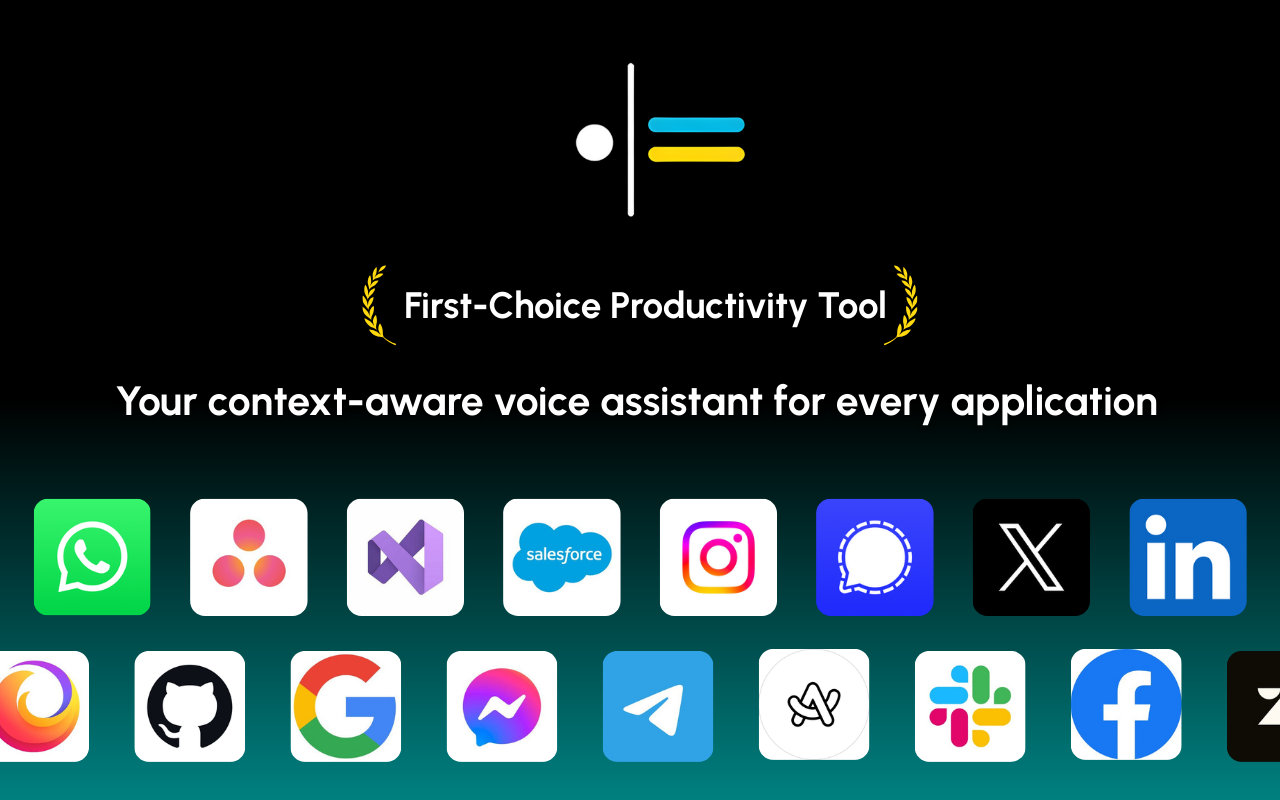
- Integrates with a wide range of apps where typing is possible
Use cases
- Quickly drafting and sending emails without switching apps
- Composing Slack or team chat messages by voice
- Filling out tickets or updating project management tools by dictation
- Taking client notes or support responses with privacy controls
- Generating formatted meeting notes or follow-ups
- Maintaining compliance by using fully offline dictation for sensitive information
Pros
- Supports a fully offline mode for privacy-sensitive users
- Works with any app where typing is possible
- Allows unlimited custom Contexts for tailored output
- Auto-pastes output at the cursor, reducing manual steps
- Available on desktop and mobile platforms
Limitations
- Starter plan only works on one device
- AI credits are limited per month based on plan
- Fully offline privacy mode not available on Starter plan
- Requires download and installation to use
Overview
Screenshots
Reviews
Sign in to share your experience with this tool.
Sign inNo reviews yet. Be the first to review this tool.
Contextli alternatives
More Productivity tools → Hush Touch | Voice-to-Text for MacOSProductivity
Offline voice-to-text for macOS, fully on-device with 2 tandem Apple transcription engines and an Apple Intelligence final pass. $20 lifetime license.
 VowenProductivity
Vowen is a private, offline, voice-first productivity app for dictation, AI workflows, meeting notes, and voice control on macOS and Windows.
 NotisProductivity
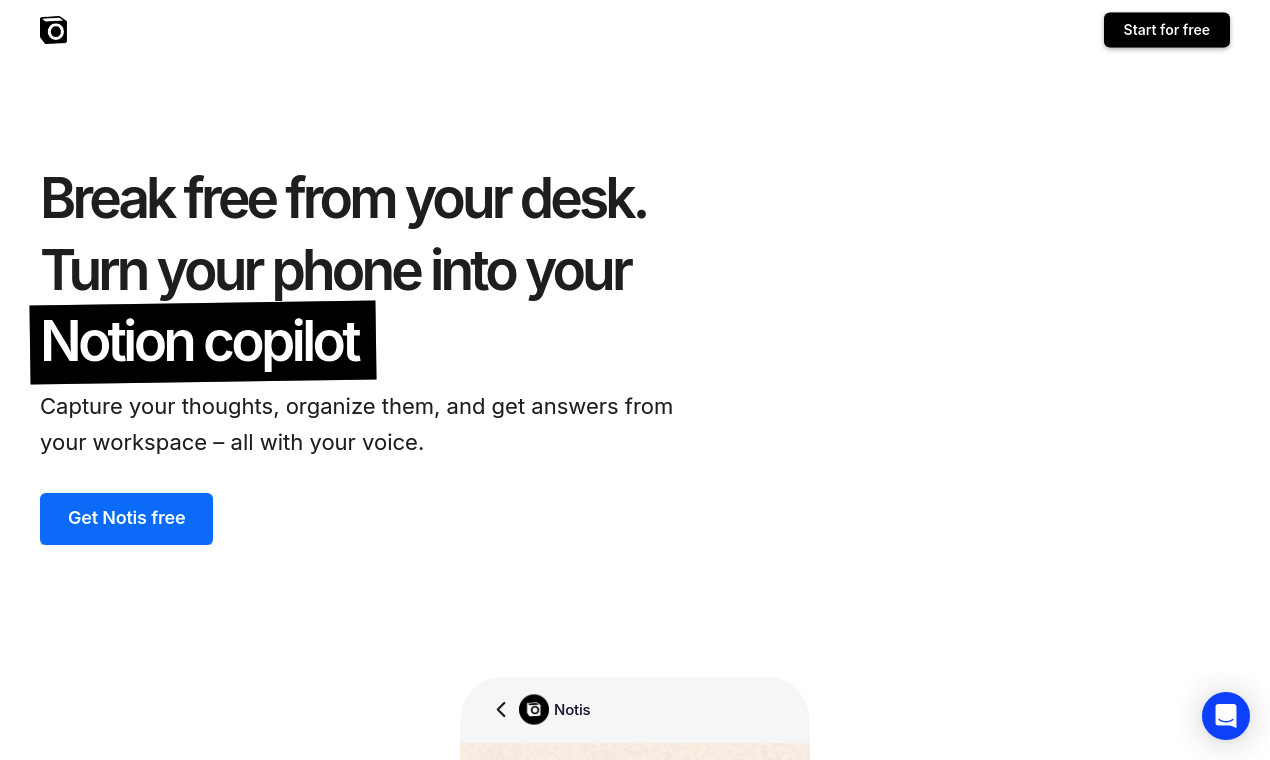
Notis converts voice notes into text that’s easy to read and organizes them in your Notion workspace. Create meeting notes, memos, emails, articles, and more. It’s made for busy people who want to get work done even when not sitting at their desks.
 MindNoteProductivity
AI Notetaker. Write x10 times faster with AI. You can input information in any format: written, voice, meeting, video to text or image to text.
 Instant OwlProductivity
Turns messy voice notes into clear plans & tasks.
 SureThing.ioProductivity
The AI agent users trust to run their business stable and unsupervised.
Related tools
 FreewayAudio
Free, private voice-to-text for your Mac
 Read Aloud ReaderAudio
Free read aloud reader with premium AI voices. Paste any text and listen instantly. No signup, no limits, downloadable MP3. Mobile & desktop.
 LaxisAudio
Laxis enhances productivity and enjoyment in meetings by utilizing AI to capture conversations through easy transcription and personalized templates.
 EasyInterviewBusiness
An AI recruiter that phone-screens every applicant and ranks them.
 AutoNoteCode
Never lose an important detail again Record anything. Get organized notes, action items, or summaries - without the manual work.
 TranspicImage
Transpic is an AI image translator that helps users translate text inside photos, screenshots, product images, manga, posters, and document scans while preserving the original layout, visual context,.
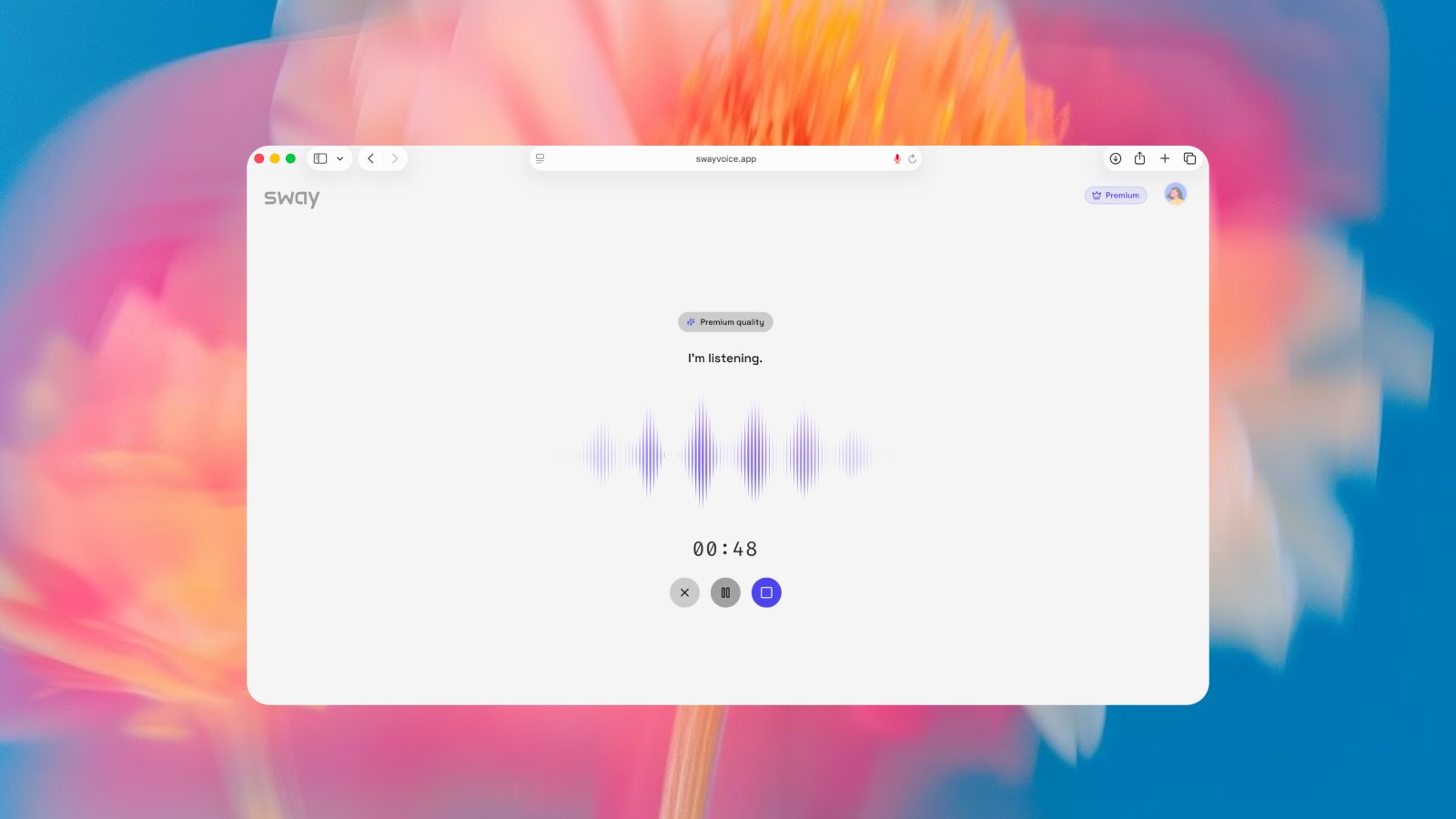 SwayProductivity
Sway turns messy spoken thoughts into structured, actionable output.
 StarwhisperAudio
Free voice-to-text software for Windows. Dictate anywhere with AI-powered transcription. Works offline with local Whisper AI or connects to OpenAI for 99% accuracy.