Read Aloud Reader
Free read aloud reader with premium AI voices. Paste any text and listen instantly. No signup, no limits, downloadable MP3. Mobile & desktop.
About Read Aloud Reader
Best for: students, writers and editors, people with dyslexia or ADHD, visually impaired users, busy professionals, language learners
Key features
- Supports pasted text, PDFs, DOCX, EPUB, and article URLs as input
- Offers eight neural AI voices with five reading styles
- Adjustable playback speed from 0.5x to 2x
- Highlights each sentence as it is read aloud
- Exports audio as downloadable MP3 files
- Works in any browser on Mac, Windows, Chromebook, iPhone, and Android
- No installation or account required to use the tool
- Does not store or log user text
Use cases
- Listening to study materials or textbooks while commuting or exercising
- Proofreading written drafts by listening to them read aloud
- Supporting users with dyslexia or ADHD by providing synced highlighting
- Accessible reading for visually impaired users without specialized software
- Language learners practicing pronunciation and comprehension
Pros
- Free tier includes AI voices, MP3 export, and highlighting
- No sign-up, payment, or installation required
- Works on both desktop and mobile browsers
Limitations
- Free tier limited to 20,000 characters per day
- Scanned PDFs without selectable text require OCR before use
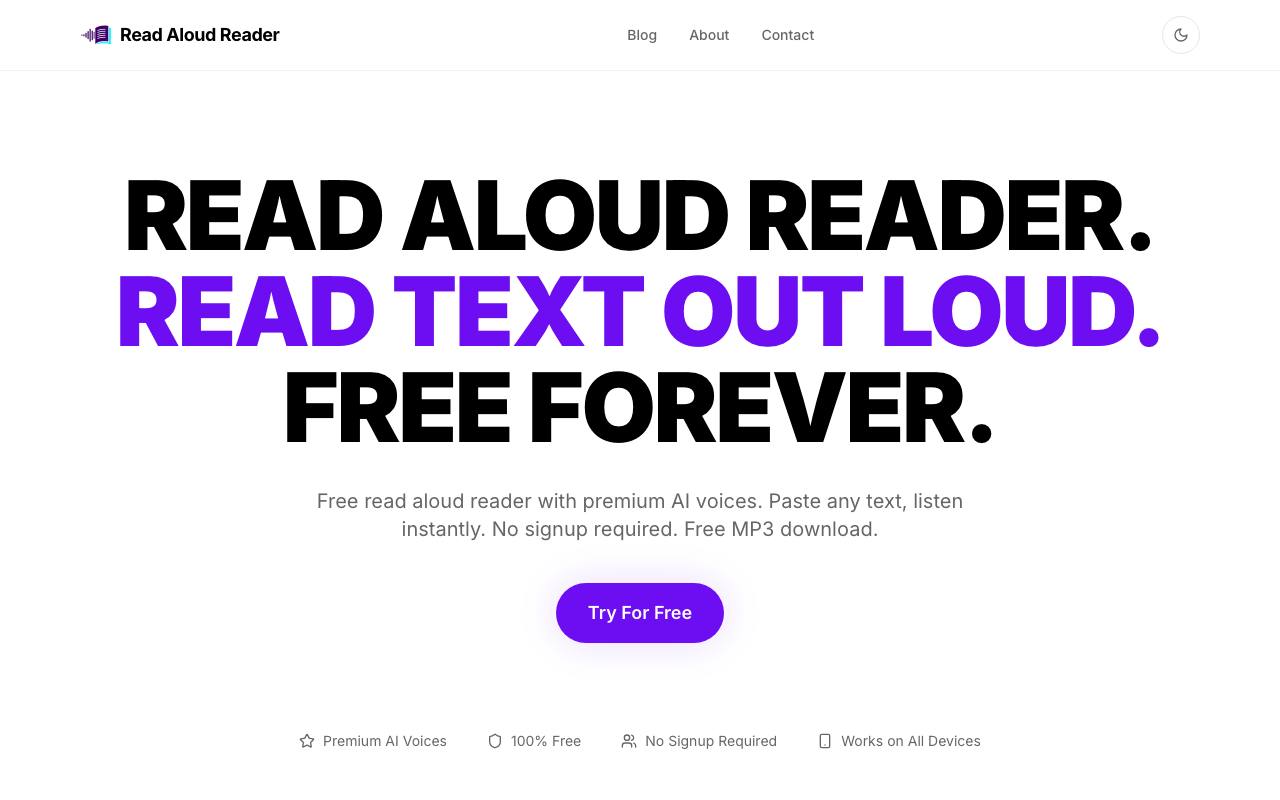
Screenshots
Reviews
Sign in to share your experience with this tool.
Sign inNo reviews yet. Be the first to review this tool.
Read Aloud Reader alternatives
More Audio tools → FreewayAudio
Free, private voice-to-text for your Mac
 Rekam AIAudio
Rekam AI is a comprehensive platform for creating high-quality AI-generated voices, offering text-to-speech, speech-to-text, and voice cloning services.
 HearemAudio
Turn anything you read into something you can listen to.
 ConvaiAudio
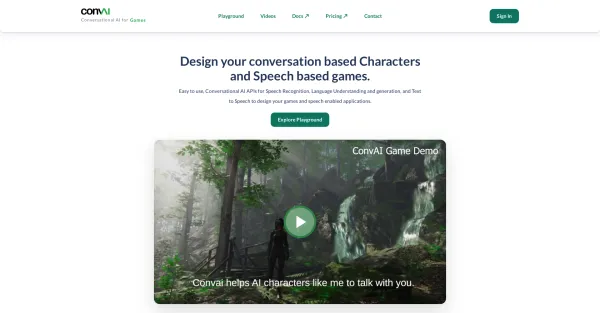
Convai offers user-friendly conversational AI APIs that include speech recognition, language comprehension, text generation, and text-to-speech. These APIs empower you to create applications and characters capable of speech interaction.
 SonixAudio
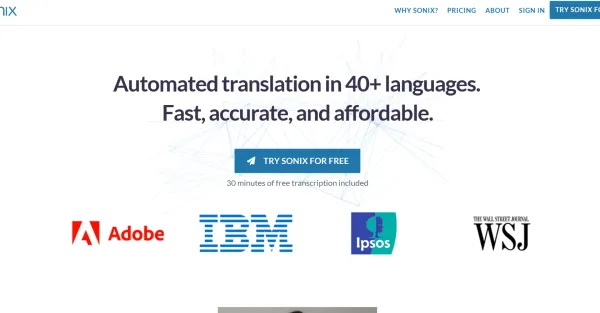
Sonix, an advanced transcription software, utilizes state-of-the-art AI technology to provide automated transcription services. It supports over 38 languages and offers a range of features such as accurate word-by-word timestamps, speaker identification, automated diarization, convenient note-taking
 SpeechEasyAudio
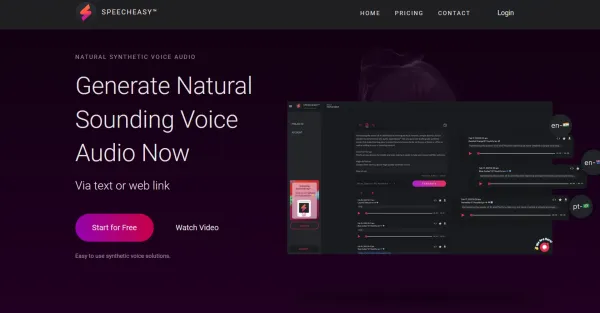
SpeechEasy generates studio-grade synthetic voices for e-learning content, enabling a new level of engagement and comprehension.
Related tools
 Hush Touch | Voice-to-Text for MacOSProductivity
Offline voice-to-text for macOS, fully on-device with 2 tandem Apple transcription engines and an Apple Intelligence final pass. $20 lifetime license.
 EchoWritingWriting
EchoWriting is an AI-powered writing assistant that learns your writing style and rewrites or generates content in your authentic voice for blogs, marketing, SEO, emails, and social media.
 SchoolGPTEducation
AI teaching assistant for K-12 educators that saves 10+ hours weekly on lesson plans, grading, and classroom resources.
 VioraProductivity
AI voice assistant for Mac writing and dictation.
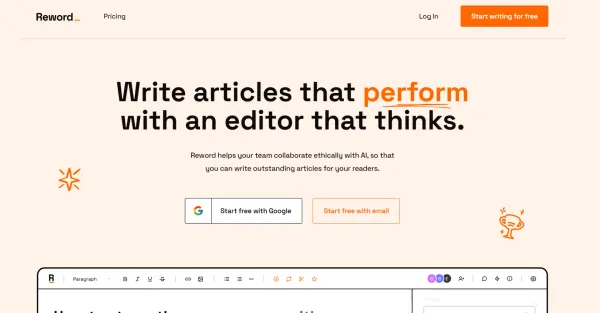 RewordWriting
Reword utilizes an AI editor to generate articles that excel in SEO, improving the visibility and reach of the content.
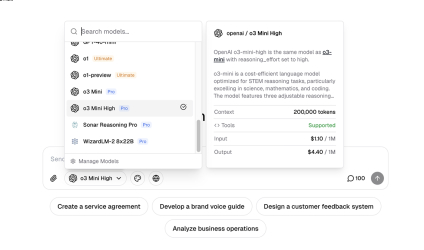 WritingmateProductivity
All-in-One AI platform that provides access to all the best AI models under a single plan.
 VowenProductivity
Vowen is a private, offline, voice-first productivity app for dictation, AI workflows, meeting notes, and voice control on macOS and Windows.
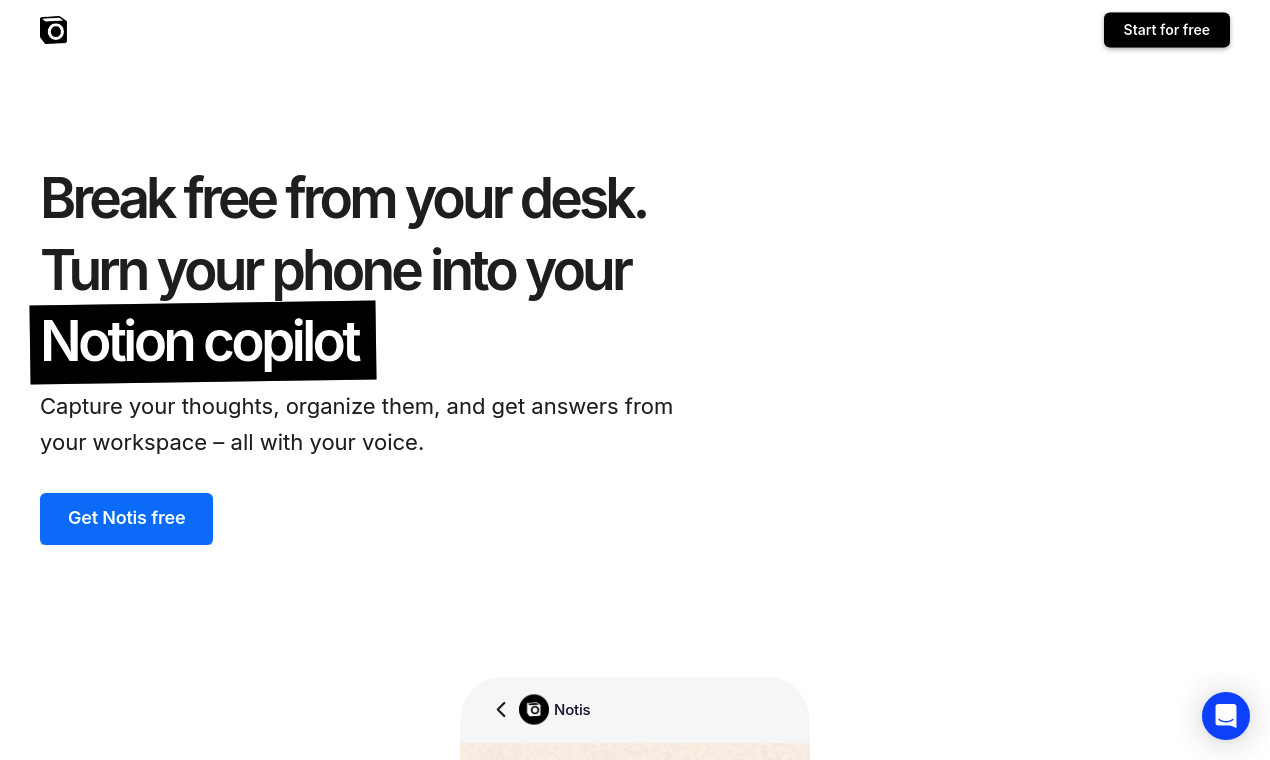 NotisProductivity
Notis converts voice notes into text that’s easy to read and organizes them in your Notion workspace. Create meeting notes, memos, emails, articles, and more. It’s made for busy people who want to get work done even when not sitting at their desks.