Wudpecker
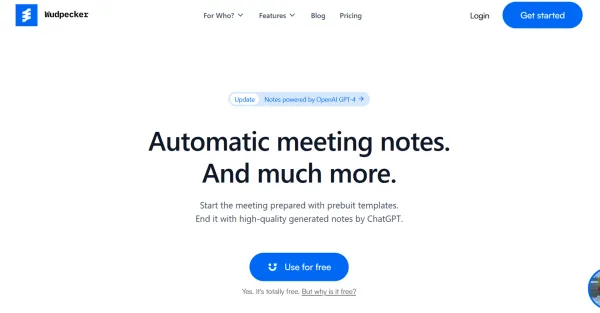
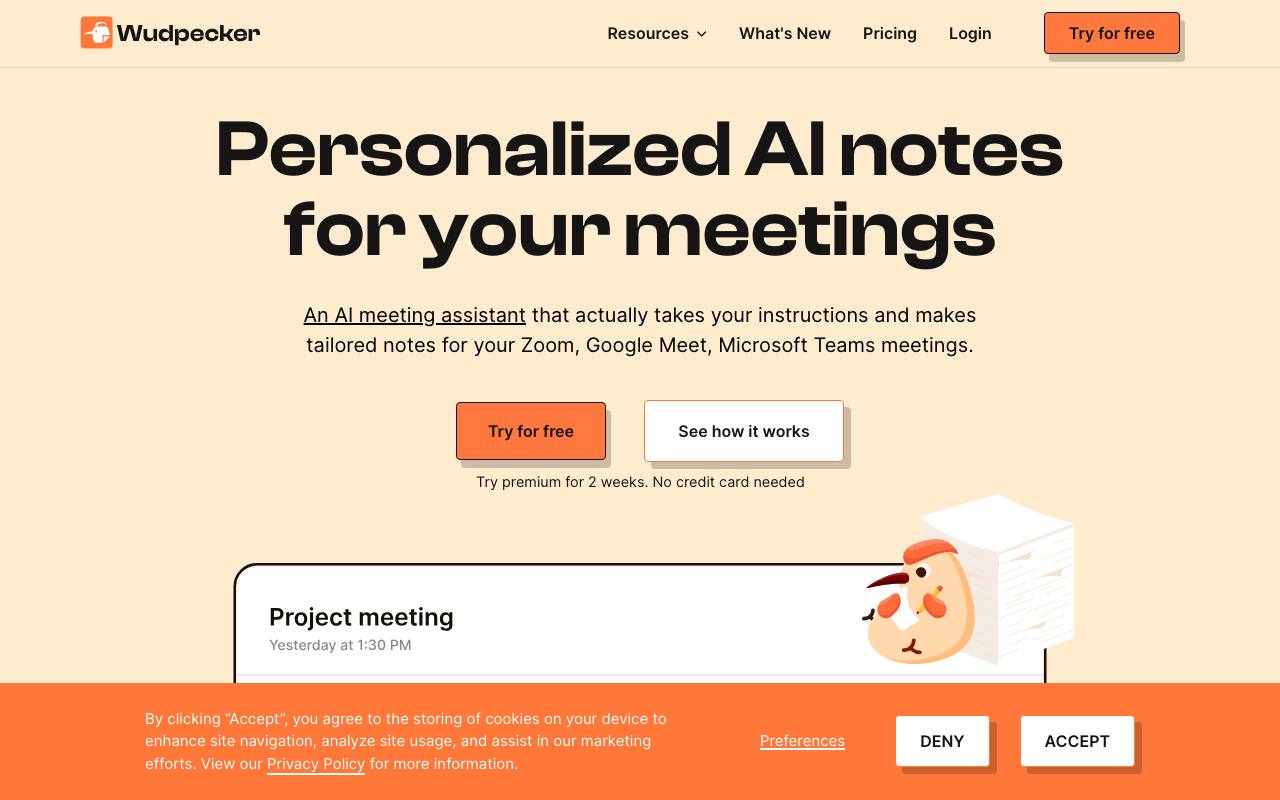
Wudpecker enhances team communication and productivity by perfecting and sharing meeting notes easily. Never miss a detail with Wudpecker.
About Wudpecker
Best for: teams, product managers, sales professionals, customer success teams
Key features
- Integrates with Zoom, Google Meet, and Microsoft Teams for automated meeting note-taking
- Allows users to customize note structure and capture specific details
- Supports transcription and note creation in 39 languages
- Offers custom vocabulary for correct spelling of names and terms
- Provides editable notes and speaker identification
- Includes sharing options via Wudpecker accounts or view-only links
- Features an AI assistant for brainstorming and extracting insights from meetings
- Offers meeting digests to summarize lengthy recordings
Use cases
- Automatically transcribe and summarize online meetings for record-keeping
- Share meeting notes with stakeholders or team members
- Customize meeting notes to match team preferences and workflows
- Extract action items and key insights from discussions
- Support multilingual teams with notes in various languages
- Brainstorm and develop ideas using contextual meeting information
Pros
- Free plan available with core features
- No credit card required for 2-week premium trial
- EU company that states it complies with GDPR
- Integrates with major video conferencing platforms
- Editable notes and speaker names for accuracy
Limitations
- Free plan limits notetaker bot to 10 meetings per month
- Each account can only connect to one calendar
- Transcription only in the main language spoken during a meeting
- No refunds for canceled subscriptions before billing period ends
Screenshots
Reviews
Sign in to share your experience with this tool.
Sign inNo reviews yet. Be the first to review this tool.
Wudpecker alternatives
More Audio tools → StarwhisperAudio
Free voice-to-text software for Windows. Dictate anywhere with AI-powered transcription. Works offline with local Whisper AI or connects to OpenAI for 99% accuracy.
 LeexiAudio
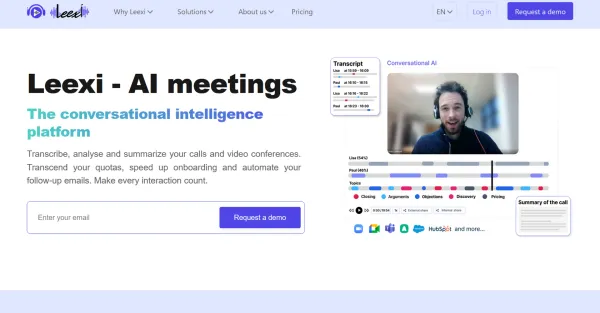
Leexi is an innovative platform that enhances your conversational intelligence, providing a deeper understanding of your interactions.
 LaxisAudio
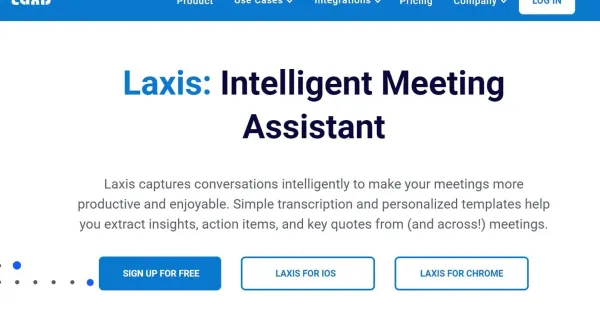
Laxis enhances productivity and enjoyment in meetings by utilizing AI to capture conversations through easy transcription and personalized templates.
 AudioToSRTAudio
Convert Audio to SRT Subtitles
 Otter AIAudio
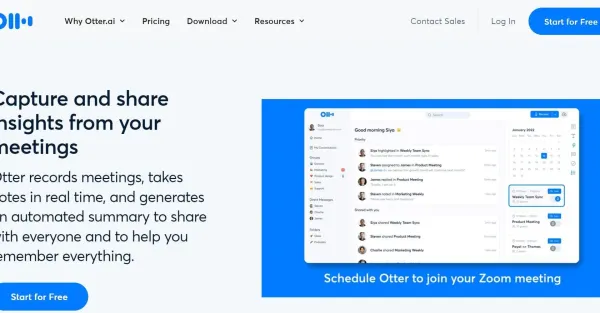
Otter AI is a tool that captures meetings, produces real-time notes, and generates automated summaries, enabling effective capture and sharing of insights.
 BerrycastAudio
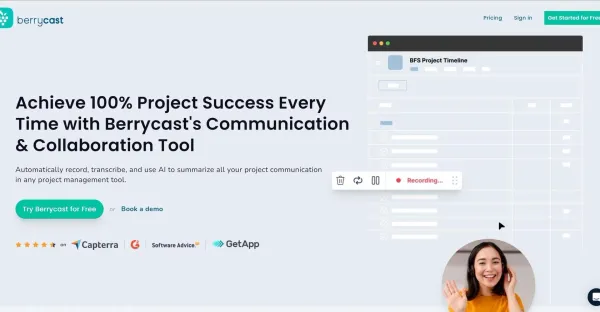
Berrycast simplifies video transcription with its automated service, turning recorded videos into accurate text in no time.
Related tools
 DataDasherOther
DataDasher is an AI-powered meeting assistant built for advisors, automating meeting prep, note-taking, action items, and follow-ups so you can focus entirely on your clients.
 MindNoteProductivity
AI Notetaker. Write x10 times faster with AI. You can input information in any format: written, voice, meeting, video to text or image to text.
 HyNote AIProductivity
AI-powered note-taking solution that captures, transcribes, and summarizes meetings, documents, and multimedia content in real-time
 JottedProductivity
Jotted records your Zoom, Meet and Teams calls from your desktop with no bot in the participant list, and keeps the full video, transcript and action items.
 SwayProductivity
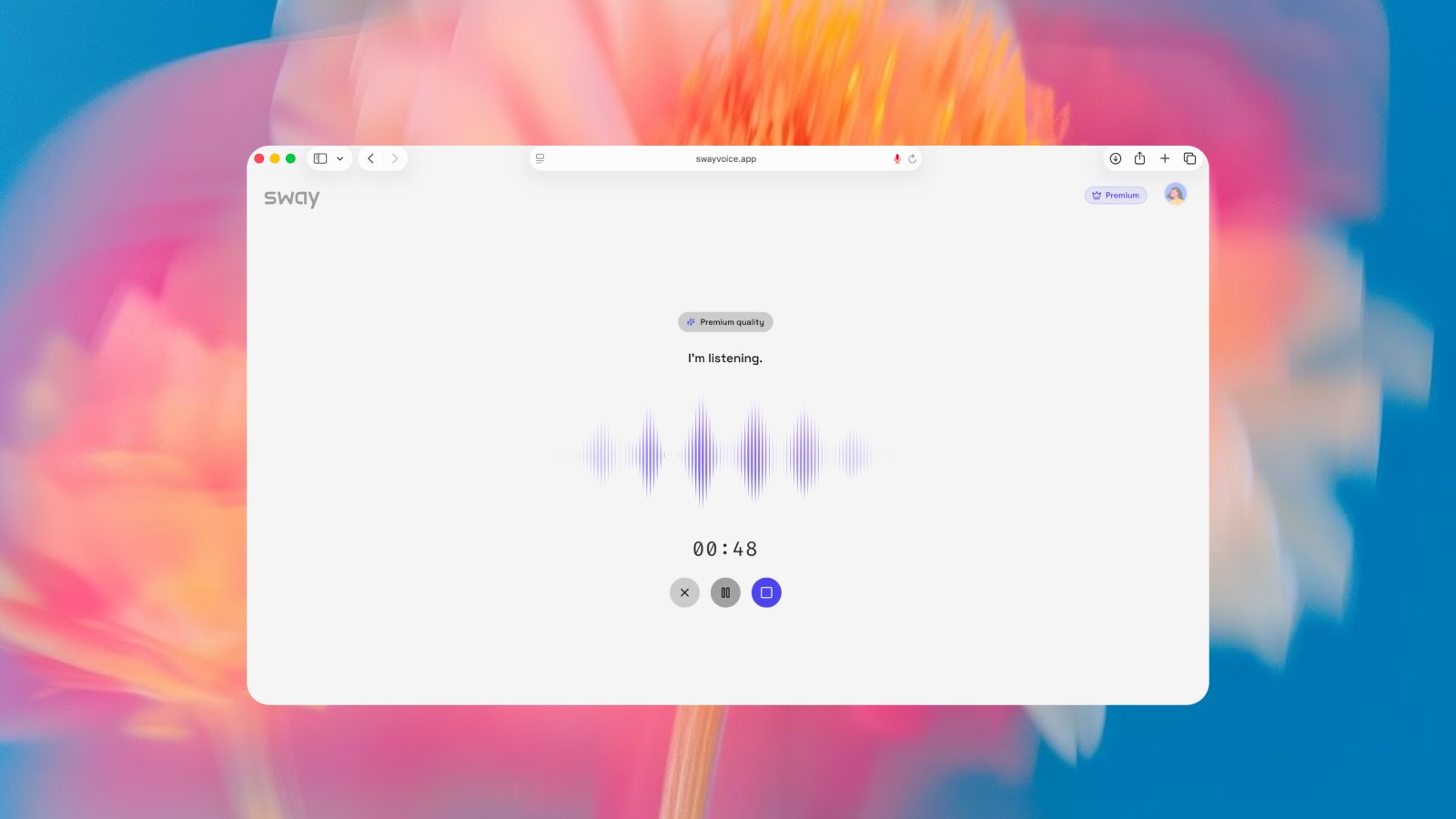
Sway turns messy spoken thoughts into structured, actionable output.
 Mumble AIProductivity
Mumble AI is a voice-first productivity app for Mac that combines meeting recording, dictation, and voice notes in one place. Record meetings without a bot joining call, dictate into any app with a keypress, and capture voice notes that auto-organize themselves. A built-in agent with skills lets you
 SayBrieflyProductivity
Deliver what was agreed. Stop scope creep.
 Caption.IMProductivity
Caption.im is a self-sovereign macOS app that turns any audio into real-time captions, translation, recordings, meeting summaries, and mind maps.