Voicemaker
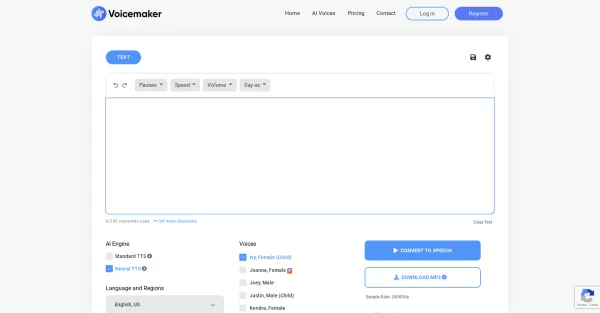
Voicemaker enhances your audio experience by producing excellent audio files with advanced voice effects.
About Voicemaker
Best for: content creators, advertisers, educators, audio producers
Key features
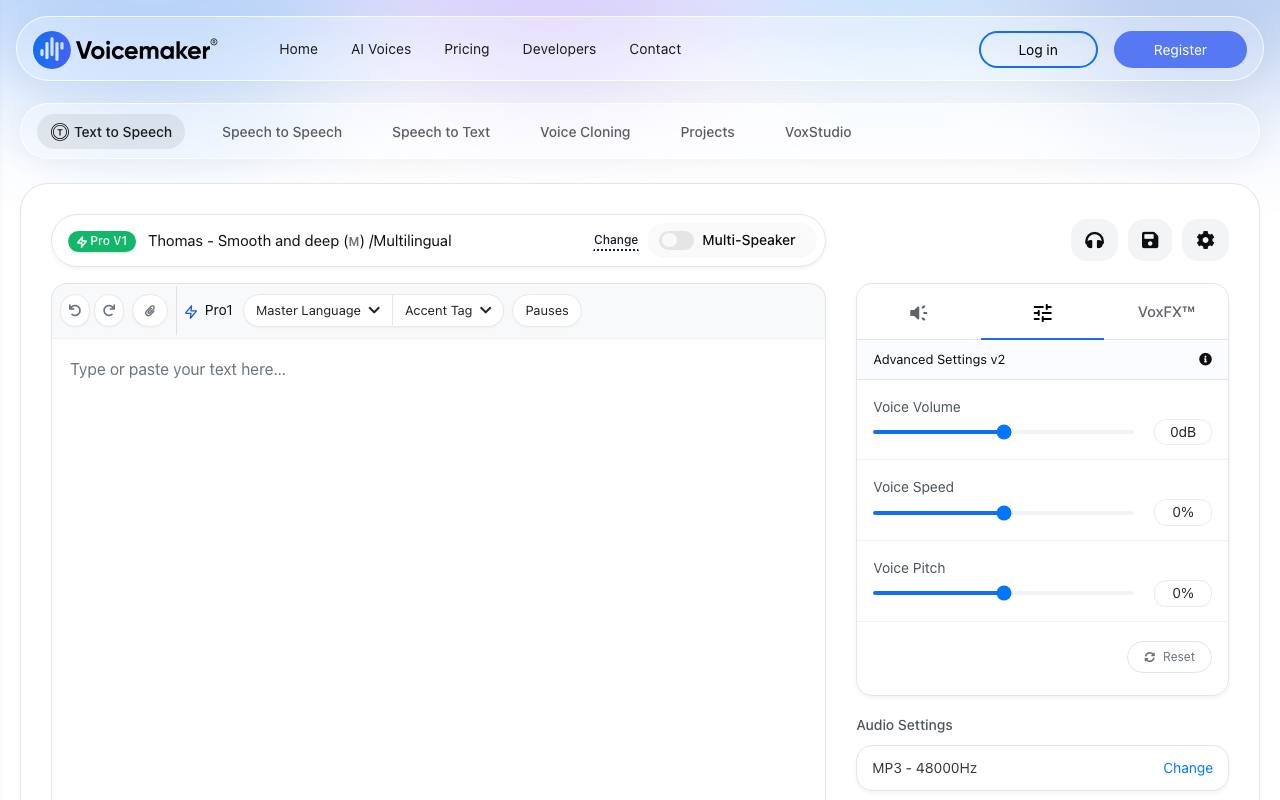
- Converts text prompts into AI-generated speech with various voice models and effects.
- Allows customization of pitch, speed, volume, and pauses for generated audio.
- Exports audio in formats like MP3, WAV, OGG, AAC, and OPUS.
- Generates subtitle files in .srt and .txt formats alongside audio.
- Provides voice cloning and a variety of character voices.
Use cases
- Creating voiceovers for ads, stories, and explainer videos.
- Generating narration for audiobooks and educational content.
- Producing songs, singing, and background music with AI voices.
- Making dialogue-heavy podcasts or IVR scripts with multiple speakers.
- Exporting audio with subtitles for accessibility or localization.
Pros
- Wide range of export formats including MP3, WAV, and OGG.
- Subtitle generation is available for accessibility.
Limitations
- Some features like pronunciation editor and voice profile require a paid plan.
- Best suited for short-form audio under 3 minutes.
Screenshots
Reviews
Sign in to share your experience with this tool.
Sign inNo reviews yet. Be the first to review this tool.
Voicemaker alternatives
More Audio tools → VoiceStreamAudio
Turn voice recordings into searchable transcripts, summaries, projects, and a personal lexicon across iPhone, Mac, and Web.
 Smalles AIAudio
Smallest AI offers real-time voice AI - TTS, STT, and native speech-to-speech - using smaller, specialized models built for speed and scale.
 Transcript Generator AIAudio
AI transcription & captions for audio/video with time-stamps, speaker labels, SRT/VTT, summaries, and translation - edit in browser, export anywhere, collaborate securely.
 All Voice LabAudio
At All Voice Lab, we’re reshaping the future of audio workflows with AI-powered solutions, making authentic voices accessible to creators everywhere.
 LaxisAudio
Laxis enhances productivity and enjoyment in meetings by utilizing AI to capture conversations through easy transcription and personalized templates.
 MAR8 - Text to Speech AI by CAMB.AIAudio
MARS8 is the most advanced Text to Speech AI. Generate emotion-rich speech with voice cloning at the lowest latency possible.
Related tools
 AI video translatorVideo
A high-throughput video localization platform featuring context-aware translation and native voice cloning.
 TranspicImage
Transpic is an AI image translator that helps users translate text inside photos, screenshots, product images, manga, posters, and document scans while preserving the original layout, visual context,.
 SabatoProductivity
Managed voice AI agents for high-volume e-commerce and retail
 VowenProductivity
Vowen is a private, offline, voice-first productivity app for dictation, AI workflows, meeting notes, and voice control on macOS and Windows.
 WritingmateProductivity
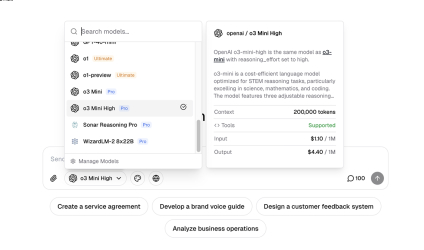
All-in-One AI platform that provides access to all the best AI models under a single plan.
 Cash BookProductivity
An AI expense tracker: talk, snap, or tap to log.
 Nuveda AIProductivity
AI for multi-media creation. Unified, API access.
 BlitzCutProductivity
Blitzcut is an AI-powered video editor that auto-cuts silences, transcribes speech, and burns subtitles in for you to create viral videos fast!