Very Good Calendar Sync
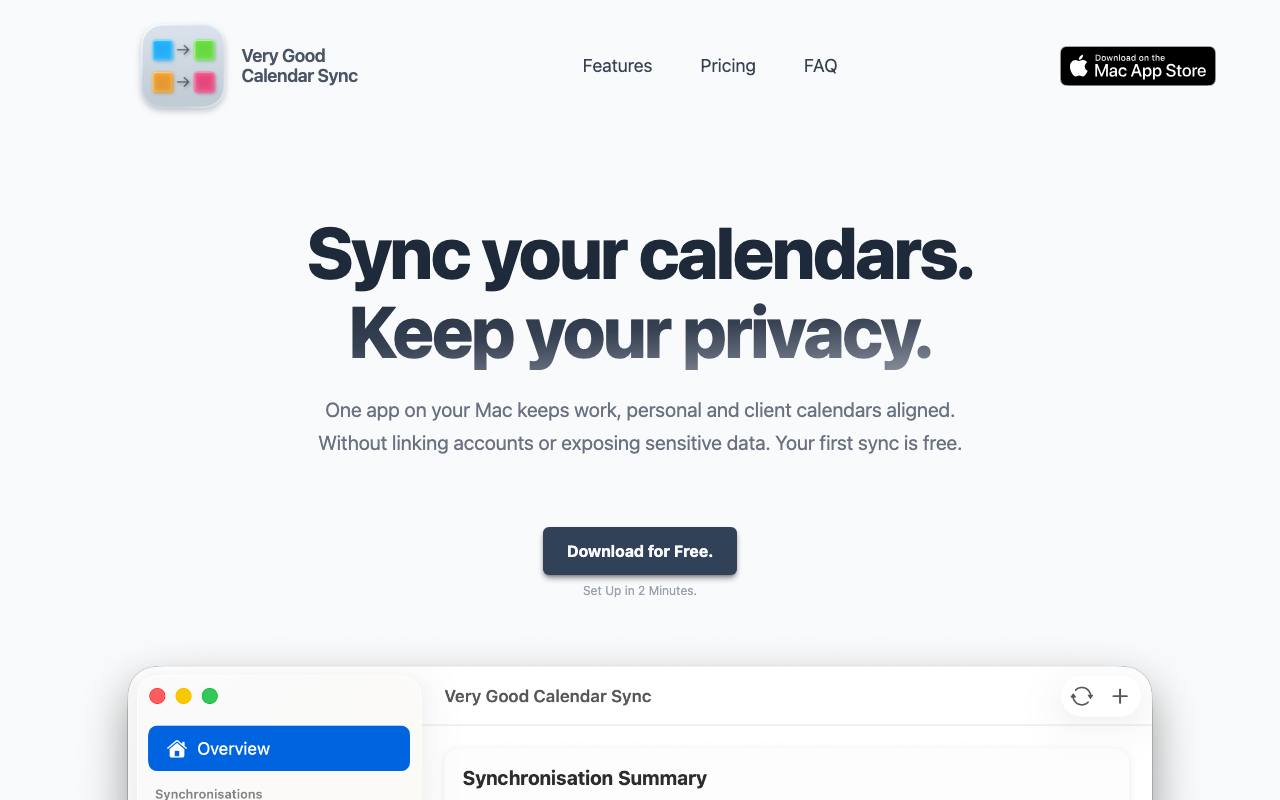
Very Good Calendar Sync runs quietly in your menu bar, keeping events from one calendar synchronised to another. No more checking multiple calendars.
verygoodcalendarsync.comScreenshots
Own Very Good Calendar Sync? Claim it to unlock editing, a ✓ Verified badge, and replies to reviews.
Reviews
Sign in to share your experience with this tool.
Sign inNo reviews yet — be the first to review this tool.
Similar tools
More Productivity tools → CorpusIQProductivity
CorpusIQ connects 43+ business tools to ChatGPT, Claude, and Perplexity through one MCP server, with 250+ skills that turn data into action.
 China ParcelsProductivity
Shop Anywhere, Track All Parcels Here
 OneTwo ResumeProductivity
Create ATS-optimized resumes in seconds.
 AIQualityHQProductivity
A free, deterministic prompt quality checker that evaluates and optimizes AI prompts in under 10 milliseconds.
 MarkleyoProductivity
AI Chatbot Platform for 24/7 Customer Support
 DiffScoutProductivity
AI monitors competitor prices 24/7 and alerts you instantly. Track any website—no code needed. Catch price changes before your customers do.