
RenamerX
Rename and organize messy files with local AI
About RenamerX
Key features
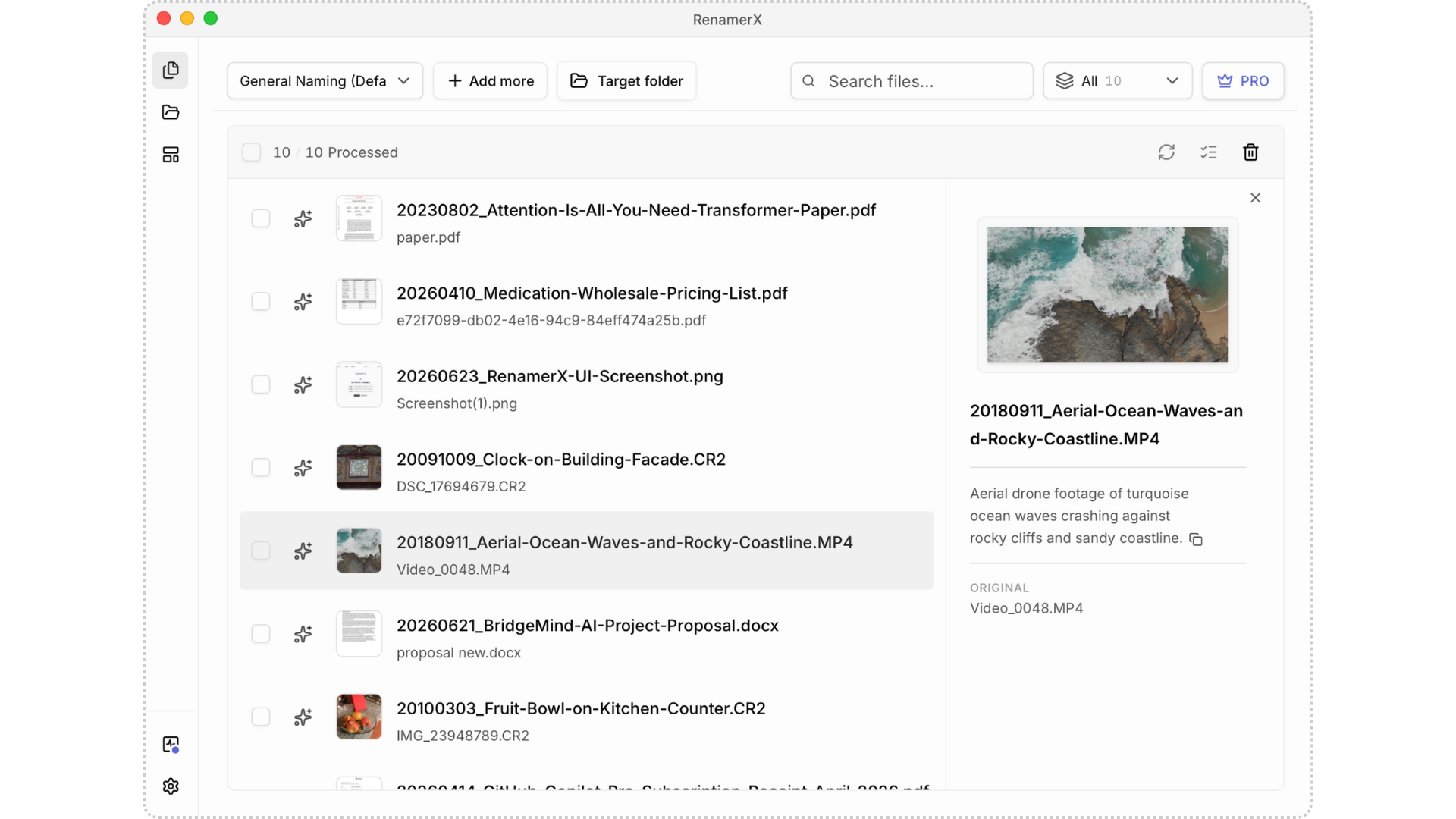
- 1. Rename files by content: Generate clear, searchable filenames from file content, so you can find files later without
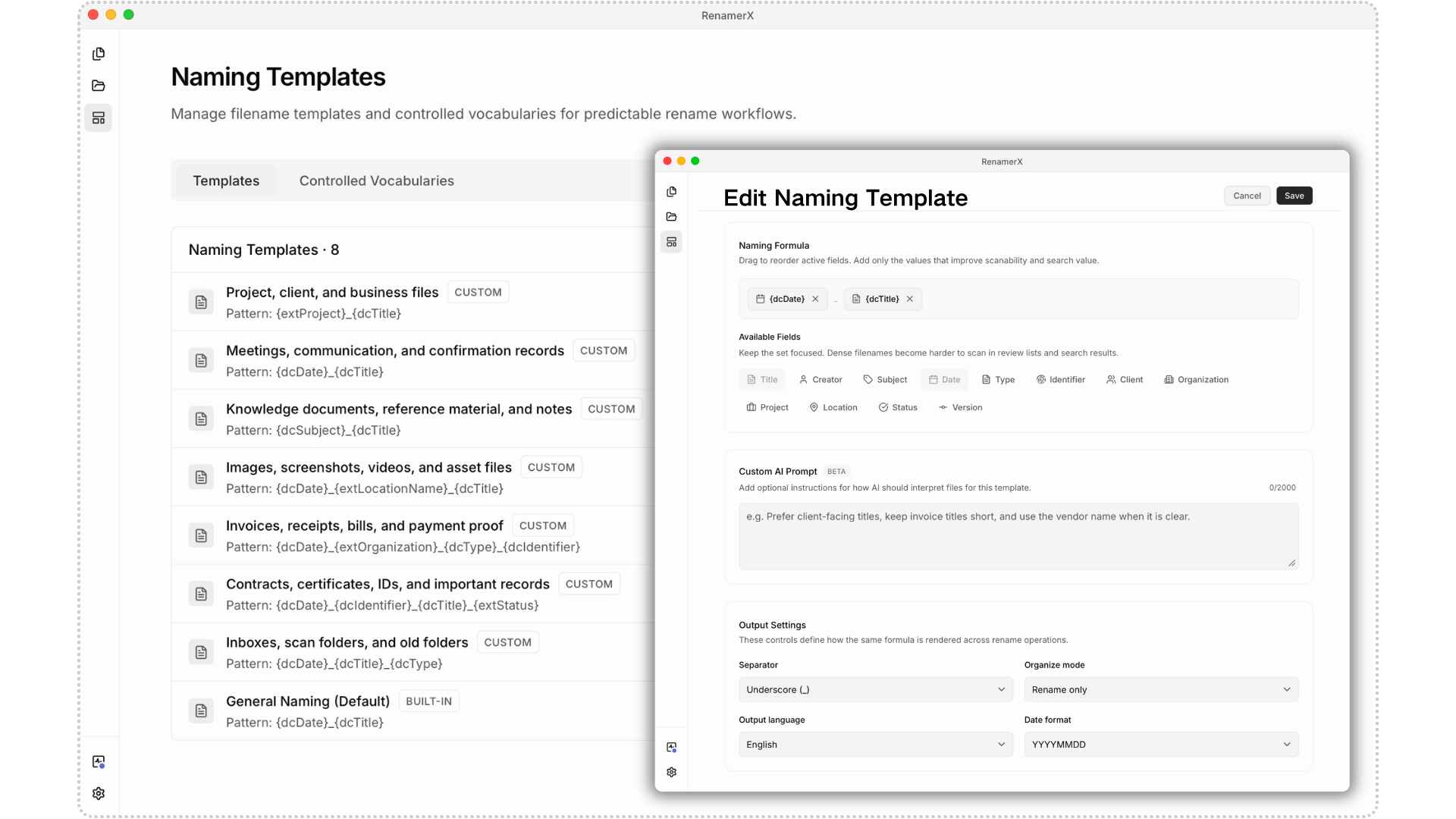
- 2. File naming conventions: Use naming templates to choose what information appears in a filename—such as date, title, t
- 3. Review first. Apply when ready. Undo if needed: Review the new filenames, then rename files in a batch once everythin
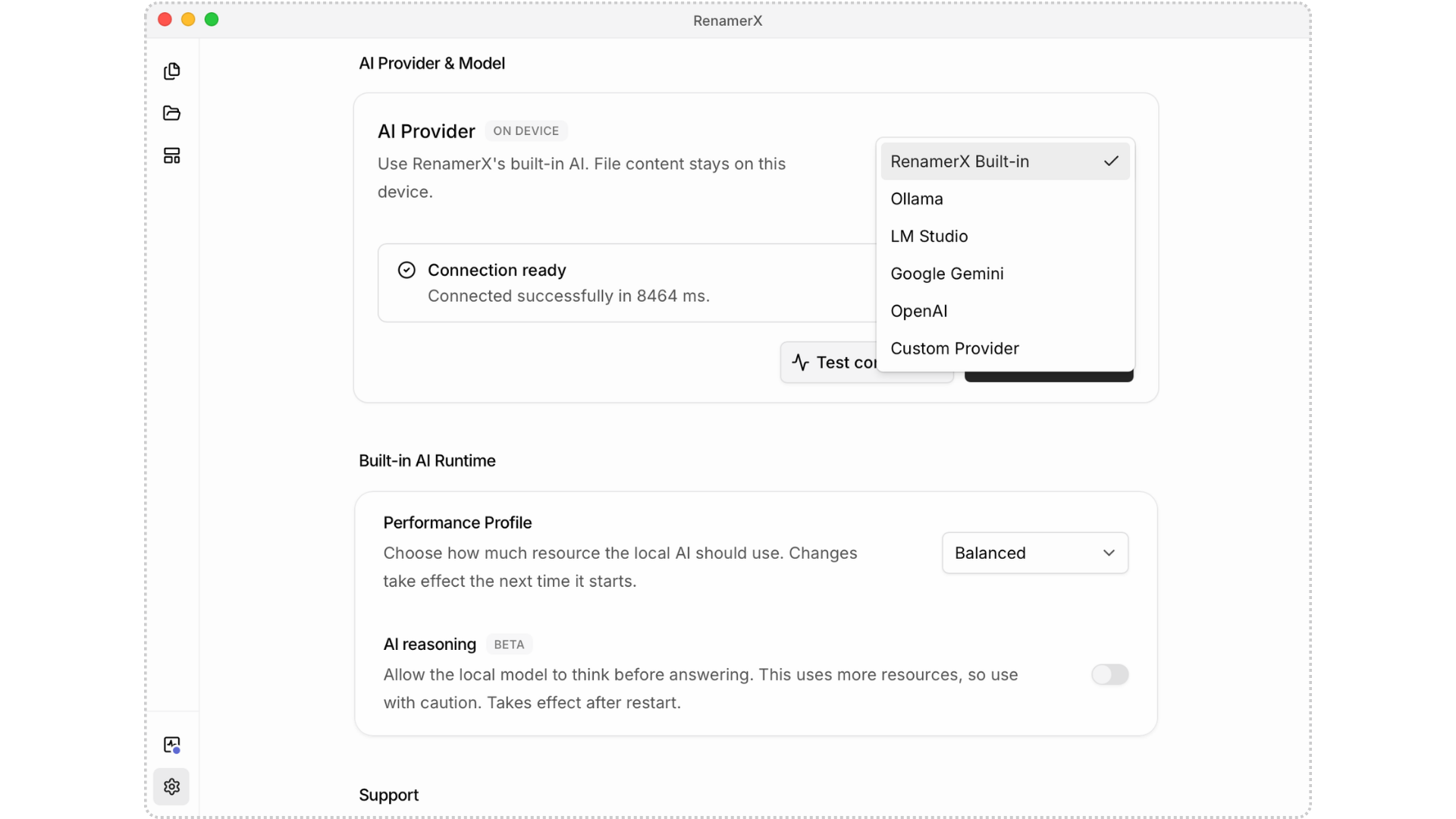
- 4. Built-in local AI: Built-in local AI runs on your device, so there is no need to upload files or install and configur
- 5. File organization: Organize files into folders by date, topic, file type, project, or organization.
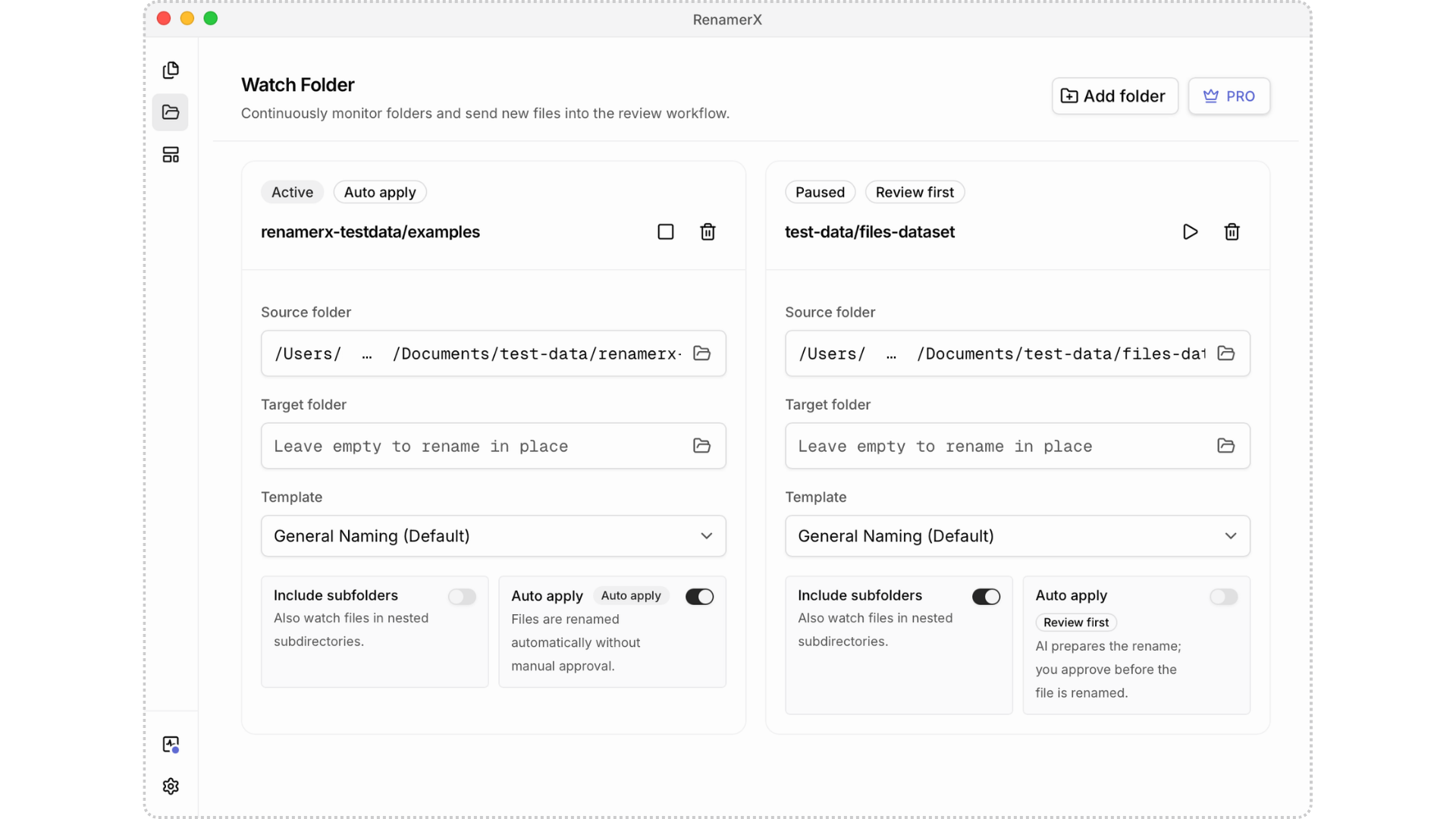
- 6. Watch Folders and automation: Continuously monitor selected folders, automatically renaming and organizing new or mod
- 7. Documents, images, and videos: Rename common file formats, including Office documents, PDFs, scans, screenshots, phot
- 8. Multiple AI services: Built-in Local AI, Ollama, LM Studio, OpenAI, Google Gemini, and other compatible AI services.
Overview
Screenshots
Reviews
Sign in to share your experience with this tool.
Sign inNo reviews yet. Be the first to review this tool.
More Productivity tools
 RepEdgeProductivity
RepEdge.ai - AI Sales Call Intelligence for Closers We saw what the big revenue platforms were doing and thought: “We can do this better for real teams.” RepEdge.ai analyzes every sales call (Zoom, Meet, Teams), predicts win probability with 95% accuracy, gives personalized coaching on every single
 Repl AIProductivity
Replai.so, the Chrome extension, employs AI technology to effortlessly generate thoughtful Twitter replies, significantly accelerating audience growth by 10 times.
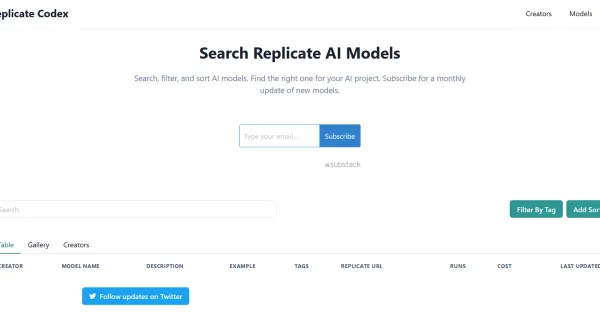 Replicate CodexProductivity
Free of charge, Replicate Codex is a handy tool that streamlines the utilization of AI technology by effortlessly searching, filtering, sorting, and exploring various AI models.
 Reply ChampionProductivity
Stop ignoring Google reviews. Reply Champion automatically writes personalized AI responses to every review. Set it and forget it. 14-day free trial.
 ReplyGeniusProductivity
ReplyGenius turns hours of manual review analysis into 30-second actionable insights, using AI to find patterns across thousands of customer reviews.
 Reports.CameraProductivity
Reports.Camera is a camera reports app for film and digital production that helps camera departments, track digital mags, manage film stock inventory, and generate detailed reports. Available as a Next.js web app and native iOS app.