
Moogoose
An Android keyboard that starts a reply with your voice and leaves the final words to you.
About Moogoose
Key features
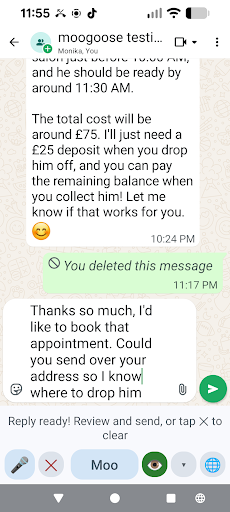
- Direct Dictate speech-to-text in the active field
- Voice-led reply suggestions from a rough instruction
- Optional use of visible conversation context
- Optional spoken playback before sending
- Editing and sending remain under user control
Overview
Screenshots
Reviews
Sign in to share your experience with this tool.
Sign inNo reviews yet. Be the first to review this tool.
Moogoose alternatives
More Writing tools → Image DescriberWriting
AI Image Describer is a tool to describe images, generate captions, extract text, and create prompts for Midjourney and Stable Diffusion.
 GlasscribeWriting
Glasscribe is a macOS menu bar app for real-time speech-to-text transcription. 100% on-device, 22+ languages, live translation - your voice never leaves your Mac.
 RewordWriting
Reword utilizes an AI editor to generate articles that excel in SEO, improving the visibility and reach of the content.
 VidSboWriting
AI Storyboard Generator: Create Storyboards from Videos & Ideas
 YatterWriting
Hey! I’m Yatter, your advanced Telegram assistant. I can process voice messages, read text in images, provide weather insights, analyze short PDFs, and offer quick, concise info under 500 characters. Want more?
 Glad AIWriting
The Roadmap: X, Reddit, SEO and more We are starting with LinkedIn because it is the foundation of professional authority, but the bigger picture is much broader: X and Reddit Integration: Moving beyond the feed into real-time conversations. Glad AI will soon adapt your core expertise into punchy th
Related tools
 Transcript Generator AIAudio
AI transcription & captions for audio/video with time-stamps, speaker labels, SRT/VTT, summaries, and translation - edit in browser, export anywhere, collaborate securely.
 TranspocketAudio
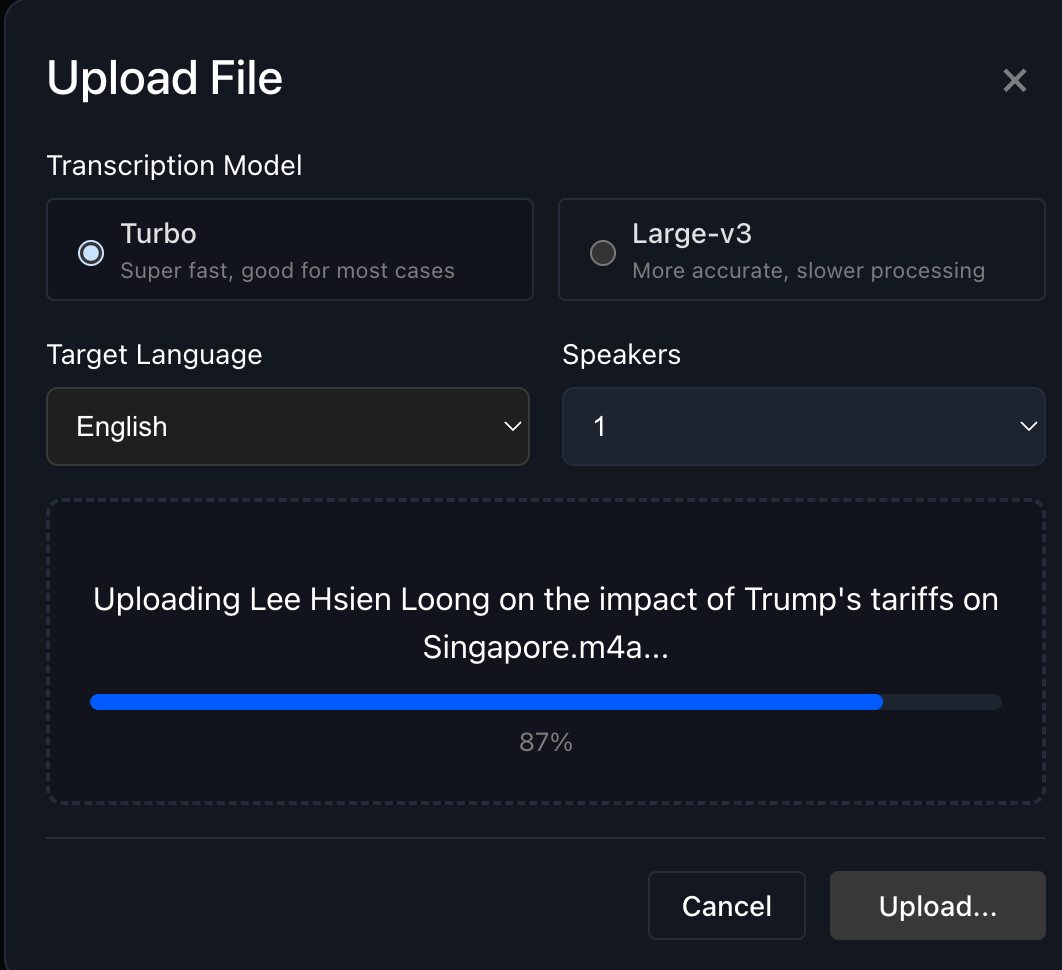
AI-powered speech recognition; Real-time audio/video transcription; Multi-language support (100+ languages); Automatic language detection; Speaker separation and identification; Interactive transcript editing; Multiple export formats (TXT, DOCX, SRT, VTT); Drag-and-drop file uploads; In-browser voic
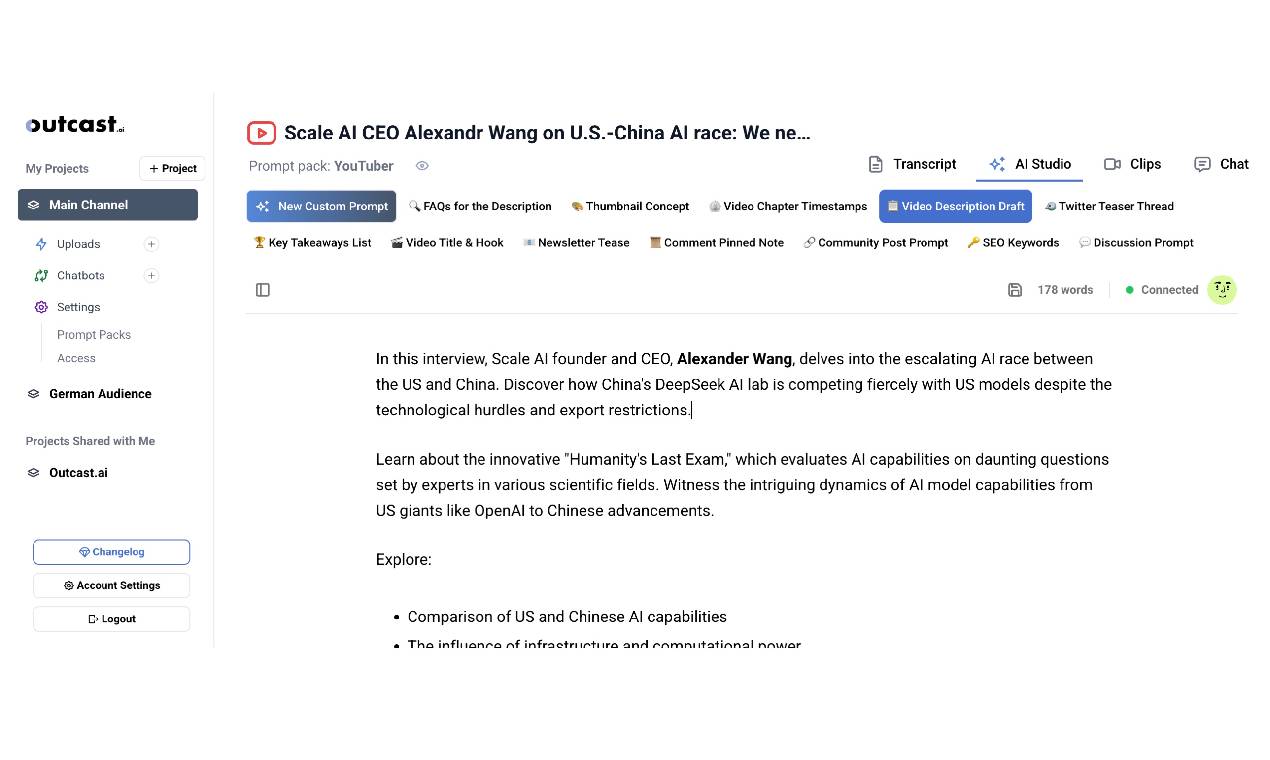 Outcast.aiProductivity
Turn your media into shareable, polished content fast. With tools like Prompt Packs, Clip Creator, and AI Studio, it’s all about making content creation easier and letting you focus on what you do best.
 Instagram TranscriptProductivity
Free Instagram Transcript Generator: Reel to Text in Seconds
 Nuveda AIProductivity
AI for multi-media creation. Unified, API access.
 AddSubtitleVideo
Subtitles, voiceover, and translation, all in one tool to speed up your video workflow.
 Ad CreateImage
AdCreate is an AI ad creation platform that turns prompts, photos, or product URLs into scroll-stopping video, static and UGC ads in seconds; every frontier model (Veo, Sora, Kling, Wan, Seedance, Nano Banana) in one dashboard.
 Video Transcription AIProductivity
AI-powered video transcription tool that converts videos into accurate text, summaries, subtitles, and searchable content in seconds.