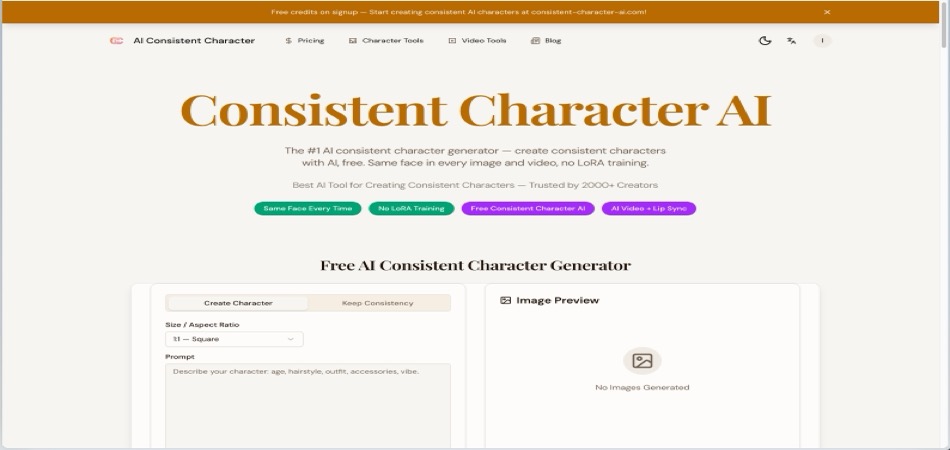
Consistent Character AI
Generate images and videos with the same character face every time - no LoRA training, no complex prompts.
About Consistent Character AI
Best for: comic artists, children's book authors, game developers, content creators, storyboard artists
Key features
- Generates images and videos with the same character face using a reference image or text
- Supports multiple art styles including anime, photorealistic, watercolor, and more
- Allows creation of animated videos with lip sync and motion control
- Handles multi-character scenes with up to five reference images
- Includes a character library for saving and reusing characters across projects
- Provides a developer API for integration into custom workflows
Use cases
- Create consistent character illustrations for comics or picture books
- Generate animated videos with recurring characters and lip-synced speech
- Design brand mascots or marketing assets with a uniform character identity
- Produce visual novel or game assets with the same character across multiple expressions and outfits
- Storyboard scenes with consistent characters for animation or video projects
Pros
- No LoRA training or complex prompts required
- Free credits on signup, no credit card required
Limitations
- Free tier is limited to a small number of images
- Output consistency depends on the quality of the reference image and prompt
- Multi-character scenes require careful description and may not always perfectly preserve identities
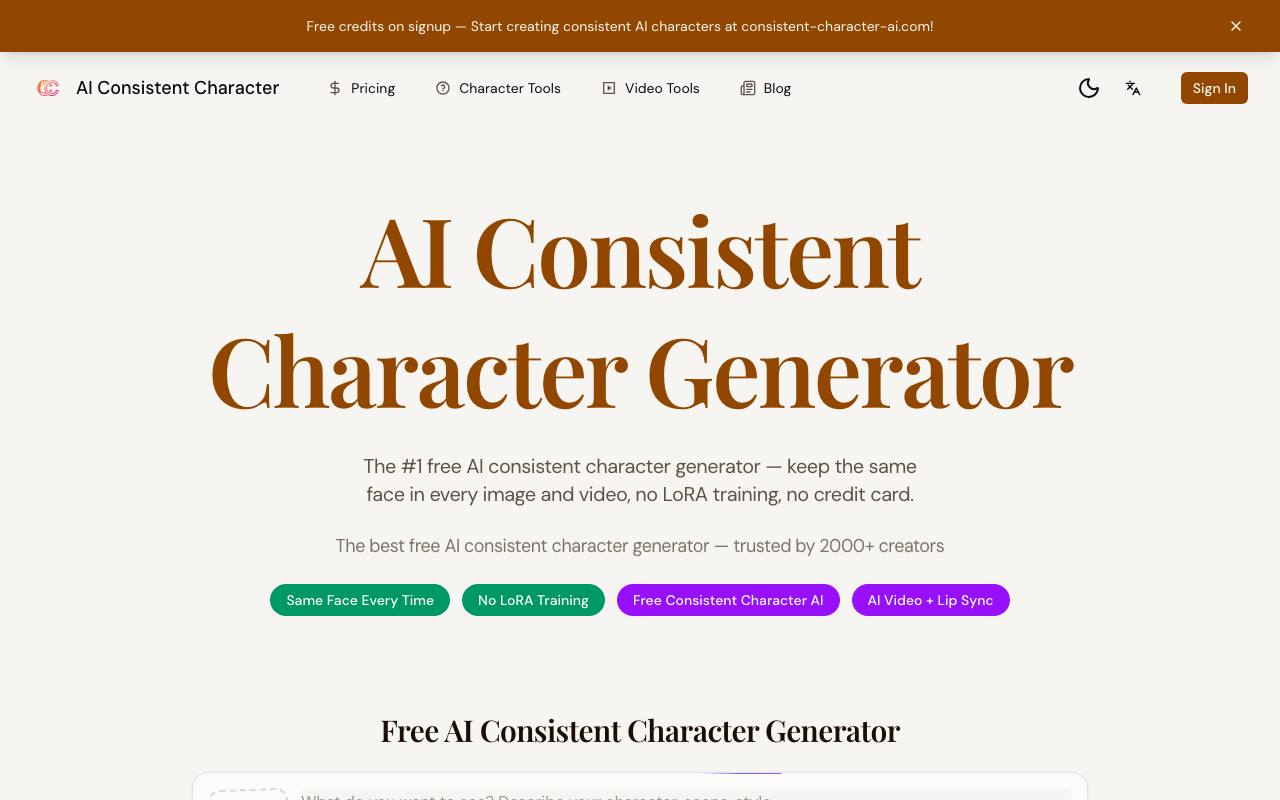
Screenshots
Reviews
Sign in to share your experience with this tool.
Sign inNo reviews yet. Be the first to review this tool.
Consistent Character AI alternatives
More Image tools → SellerPicImage
AI-powered tool for e-commerce. Instantly create high-quality product images, videos, and realistic scenes to boost sales. No skills needed.
 Oimi AI StudioImage
Create AI images, videos and music on one canvas
 Filtrix AIImage
Filtrix AI is a powerful image editing and generation tool that leverages advanced AI technology to transform ordinary photos into stunning visuals with custom styles.
 Loview AIImage
AI generation platform built around the Nano Banana series.
 Movoria AIImage
All-in-one AI platform for creating images and cinematic videos with text-to-image, text-to-video, and image-to-video tools.
 ClipModeImage
Train your face once. Post forever.
Related tools
 Soku AIBusiness
Soku AI is an autonomous marketing agent that runs ads, SEO, social media, and creative production for you - like a digital marketing employee that never sleeps.
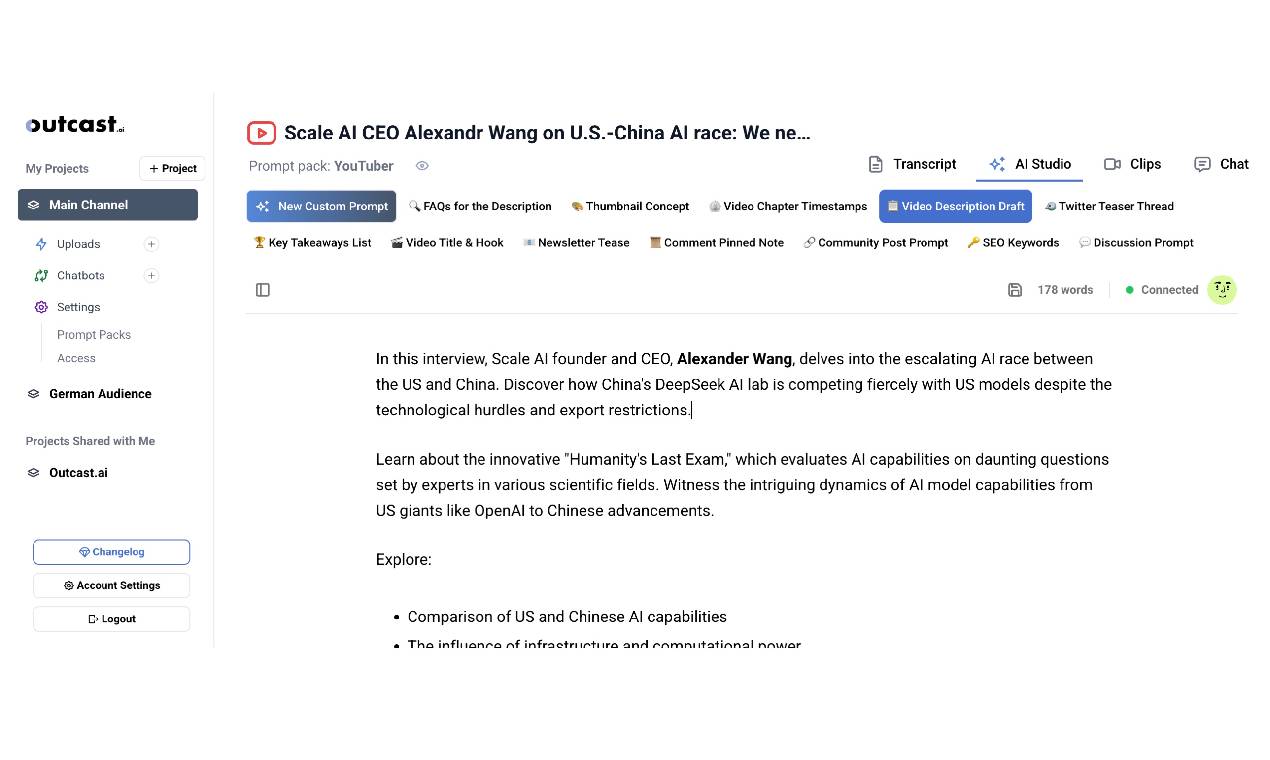 Outcast.aiProductivity
Turn your media into shareable, polished content fast. With tools like Prompt Packs, Clip Creator, and AI Studio, it’s all about making content creation easier and letting you focus on what you do best.
 Ankon AIEducation
Ankon AI transforms prompts, PDFs, documents, blogs, scripts, and images into engaging AI-generated whiteboard explainer videos with narration in minutes.
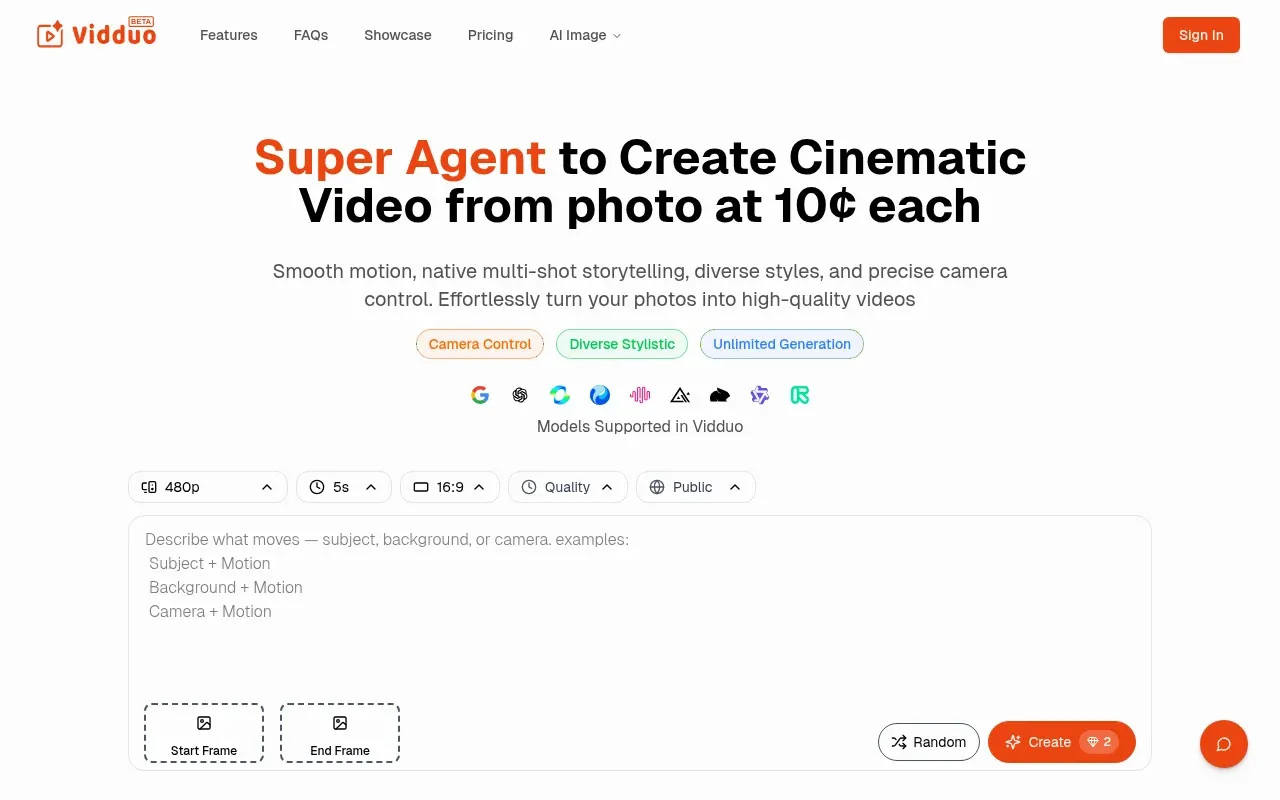 Vidduo AgentVideo
Vidduo Agent is a Low-cost Fast High-Quality AI Photo to Video Agent
 VideoFluxVideo
VideoFlux turns text prompts and images into high-quality AI videos. Create text-to-video and image-to-video content fast for social, ads, and creative work.
 KoozeeDesign
Koozee is an AI visual production platform for apparel sellers - covering model try-ons, product images, fashion videos, and listing assets in one workflow, with native Shopify integration.
 Framia Pro - Free AI Image & Video Generator and Editor OnlineVideo
Framia Pro is an all-in-one AI creative platform for generating and editing images and videos. It combines smart guided workflows, full creative control, and DIY-to-pro editing tools to help users produce high-quality visual content faster. With support for multiple top AI models, adaptive music gen
 AI Video Background ChangerVideo
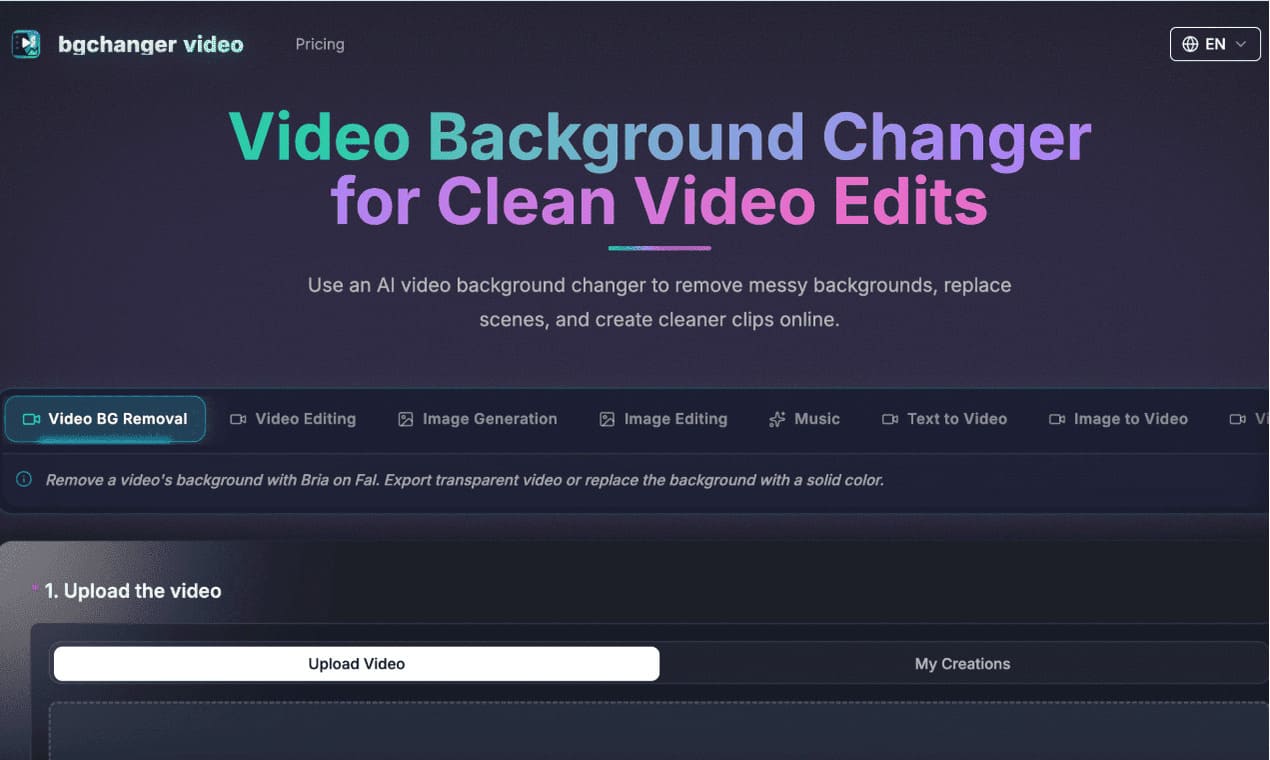
https://bgchanger.video is an online tool for removing, cleaning up, and replacing video backgrounds with AI. Users can upload a video, isolate the main subject, export transparent background videos, or replace the original background with solid colors such as white, black, green, or custom colors.